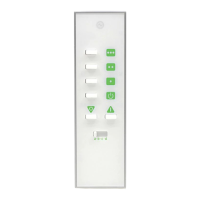
3. After 1 second the light will start to become
brighter.
4. At the desired brightness release the ‘ON’ button.
NOTE: If the ‘ON’ button is not released, the light level
will increase until it stops at the maximum possible
level of brightness.
After setting a dim level using the handset the light is
then switched o. The next time the light is switched
back on again the dim level will automatically return
to the previously stipulated setting.
BATTERY REPLACEMENT:
3V CR2032 lithium battery is included.
When battery voltage is low, transmission is low.
Slide down the battery cover and replace with a fresh
new battery.
NOTE:
• Connect correctly and securely
• Do not recharge
• Keep away from children
• Do not swallow (If swallowed, seek medical advice
immediately)
• Please dispose of used batteries responsibly


 To Next Page