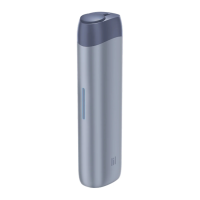
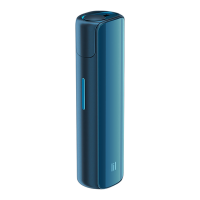
52
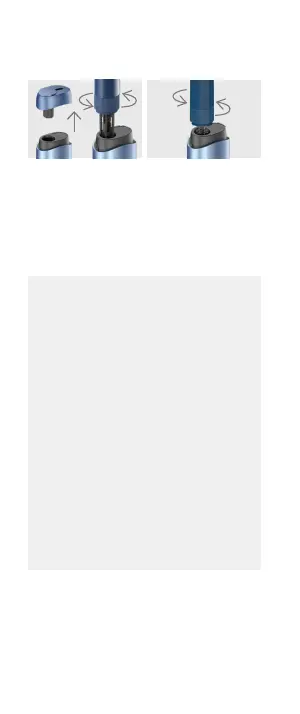
Remove the Cap from
the device.
Insert the Cleaning
Wiper into the device
and clean the device by
spinning the Cleaning
Wiper.
Insert the Cleaning
Brush into the device
and clean the device by
spinning the Cleaning
Brush.
*
We recommend cleaning the device after using 20 sticks
for optimum performance of the device.
* Do not clean the device during heating or right after the
use of the device. Let the device to cool down,
otherwise the Cleaning Wiper or the Cleaning Brush
can melt and stick to the device.
* We recommend that Dual Cleaner shall be used for
cleaning a device at least 5 minutes after the end of
an experience.
* Take care not to let the Cleaning Wiper or the Cleaning
Brush come into contact with any liquid, oils, solvents, etc.
* Take care not to let the Cleaning Wiper or the Cleaning
Brush come into contact with eyes.
* Keep the Cleaning Wiper or the Cleaning Brush away
from fire.
* Caution should be exercised when using the Cleaning
Wiper and Cleaning Brush as they can be sharp.
* Use of other cleaning tools aside from Cleaning Wiper
or Cleaning Brush or using excessive force may
damage the heater.


 To Next Page
 Loading...