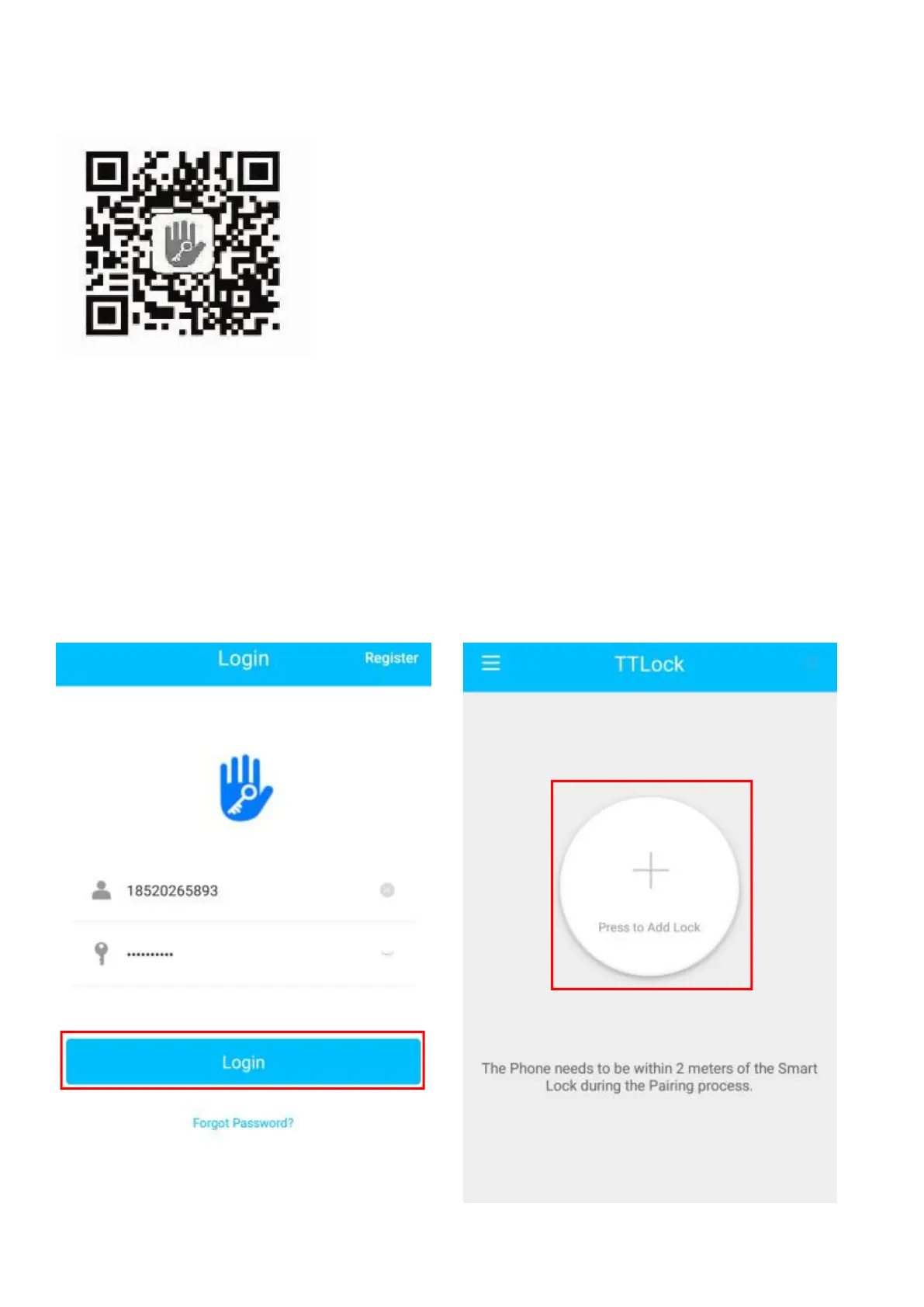
5.1 Connect lock to the phone
1) Android mobile phone, please scan the QR code as above
2) Apple mobile phone, please search “TTlock” from App Store.
3) Register a new account (phone number or email) or login with an existing account.
4) Touch the lock screen, click "+ Add Lock”
5) The lock nearby will appear on the phone screen, Click "+"
6) Re-name the lock
7) The lock added successfully


 To Next Page