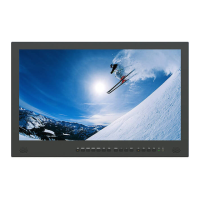
4. F1,F2 User-definable Buttons
F1: Scan.
F2: Mute.
5. /Input
Power.
Switch input signal after power on.
6. SDI Input Interface
Video and audio input from an SDI device
7. SDI Output Interface
Video and audio output from an SDI device
8. VGA Input Interface
Video input from an VGA device.
9. Mini USB Port
Only for system upgrade
10. HDMI Output Interface
Video and audio output from an HDMI device.
11. HDMI Input Interface
Video and audio input from an HDMI device.
12. Earphone Jack
3.5mm headphone socket. Internal speaker circuit will automatically
mute when earphone jack is connected.
13. DC Power Input
DC In socket for connecting power supply.


 To Next Page