8
Operation Instructions cont’d
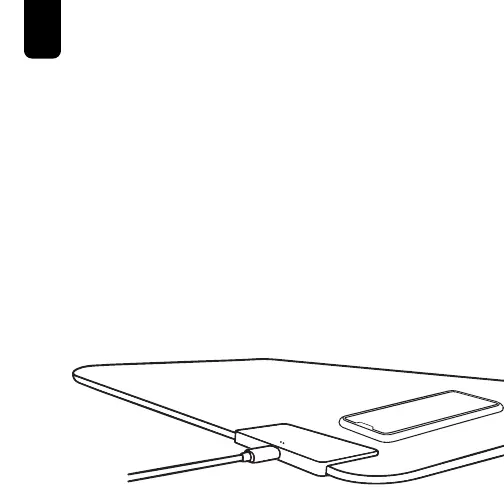
Using the Wireless Charger
1. With the DeskPad Pro™ connected to power, place your
compatible device on top of the Wireless Charging Pad.
NOTE:
The White LED Wireless Charging Indicator Light will
illuminate when a successful connection is made and the
device is charging.
If the White LED Wireless Charging Indicator Light is not
illuminated or is flashing while trying to wirelessly charge,
you should:
• Check the Wireless Charging Pad for any foreign objects.
• Reposition the phone on the Wireless Charging Pad until
a successful connection is made.



 To Next Page