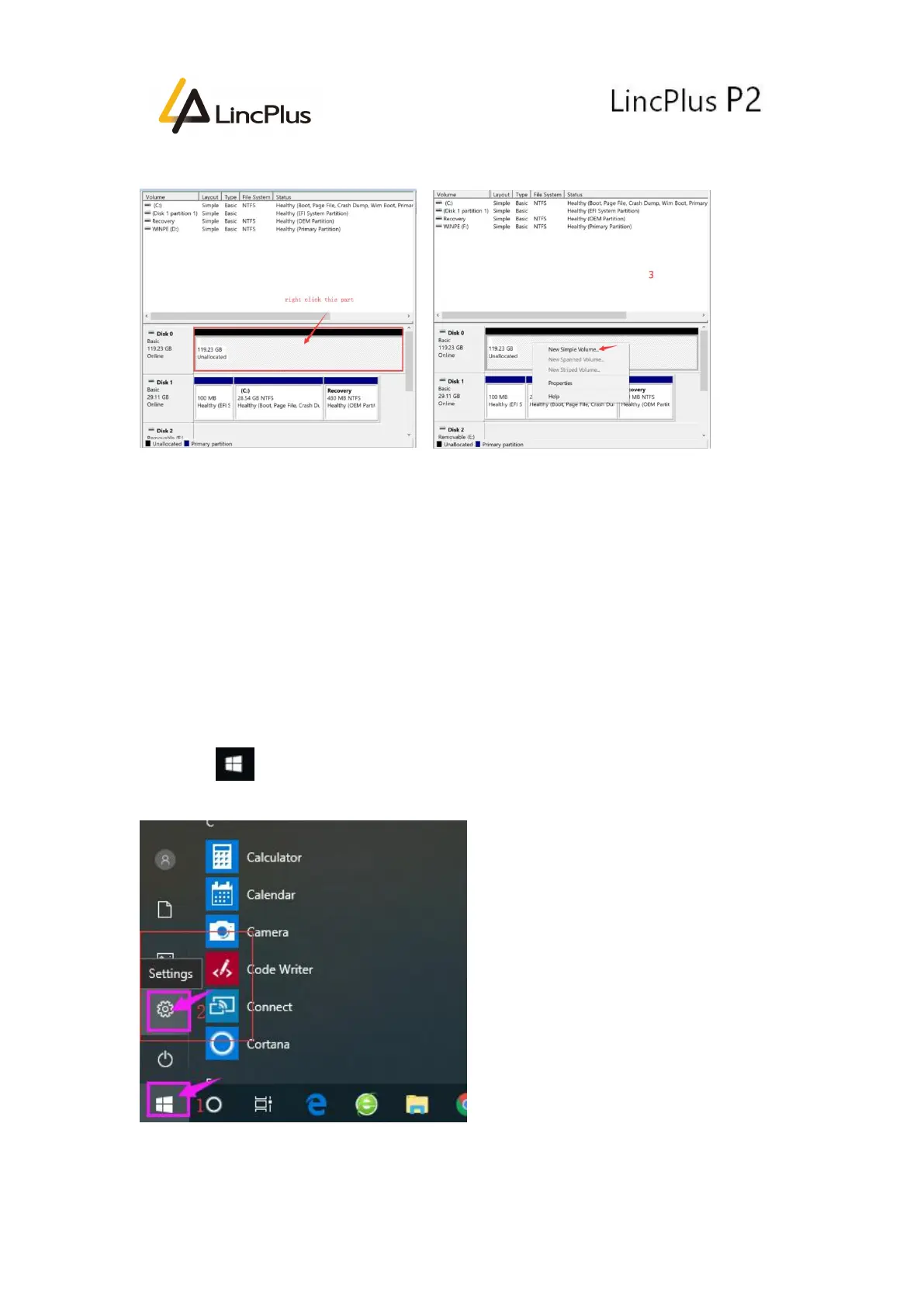
6. Right Click the New Disk(see the left picture), and choose “New Simple Volume...”:
7.Keep clicking “Next” until you see “Finish”.
8.Last you will see the SSD at “This PC”.
Last but not least:
We suggest you change the file saving path. It will help the laptop operate more
smoothly:
How to change the path of saving files
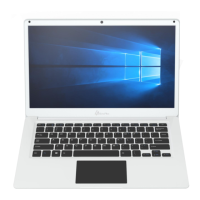
1. Click “ “and click “Setting”:


 To Next Page