Jamming with Spider Jam
4•6
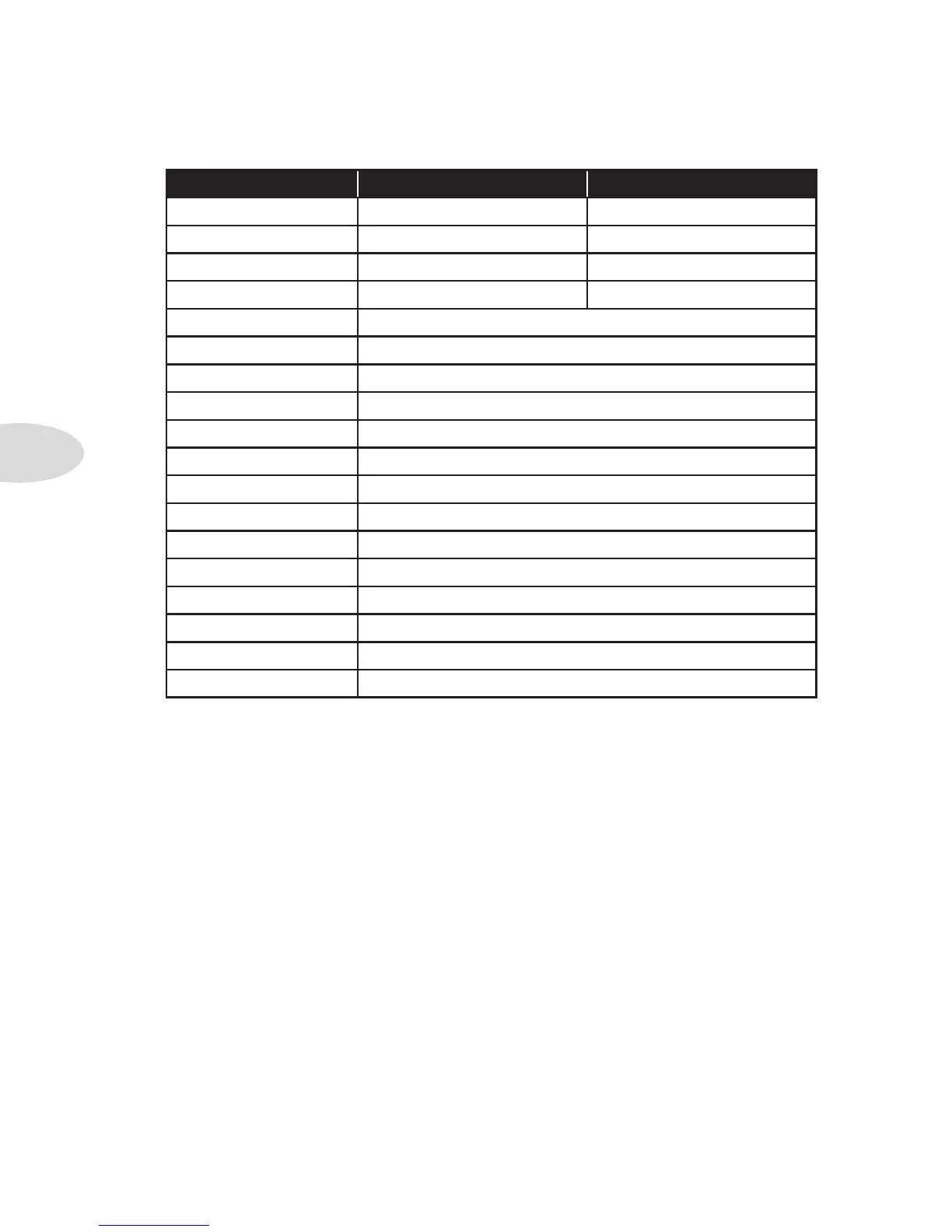
FBV Footswitch Normal Mode Jam Control Mode
A Tone A Rec/Overdub
B Tone B Play/Stop
C Tone C Undo/Clear
D Tone D 1/2 Speed
UP Tone Bank Up
DN Tone Bank Down
LOOP N/A
TAP Delay Time
STOMP (STOMP 1) Dist Boost
MOD Mod FX On/Off
DELAY Delay On/Off
REVERB Reverb On/Off
STOMP 2 unassigned
STOMP 3 unassigned
AMP 1 unassigned
AMP 2 unassigned
PITCH/TREMOLO unassigned
FAVORITE CHANNEL unassigned
To change the FBV mode, do the following:
Press the • Tone / Settings button three times to show the additional functions.
Turn the • Select knob to highlight FBV Mode.
Press • Right on the 4-way button.
Turn the • Select knob to choose Normal Mode or Jam Control Mode.
When Jam Control Mode is selected, the display shows you what the ABCD •
footswitches will do.
If you try this without an FBV connected, the display will show “No Pedal Connected”.
*For details on Alternate Footswitch Modes, which were implemented in the v2.09 firmware,
please download the Spider Jam Advanced Guide at www.line6.com/manuals.



 To Next Page