1 DATECS Linea Pro 5 User manual
`
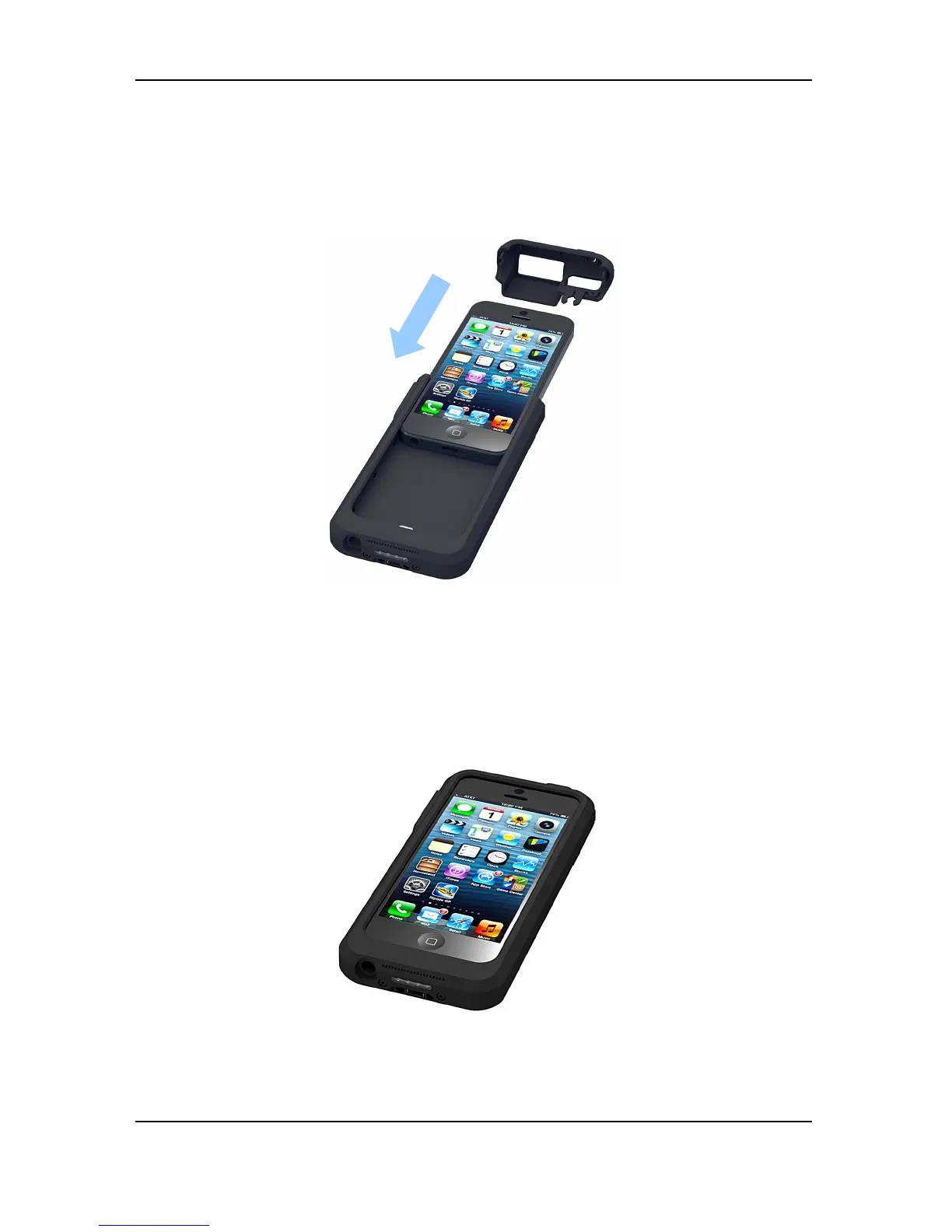
Step 2 – Slide the iPod 5 or into Linea Pro 5. (Please, before attaching the device,
check the compatibility version of the Linea Pro 5 - for iPod 5 (page 10), and then
connect it with the correct Linea Pro 5).
Slide in until iPod 5 is connected to the lightning 9-pin connector.
Step 3 – Return the “back cover”
13



 To Next Page