1 DATECS Linea Pro 5 User manual
`
Card Reading
Reading Magnetic Stripes:
The Linea Pro 5 has a built-in magnetic card reader. The card reader
incorporates a (3) track magnetic read head, requiring a single swipe to read field
data from all three tracks.
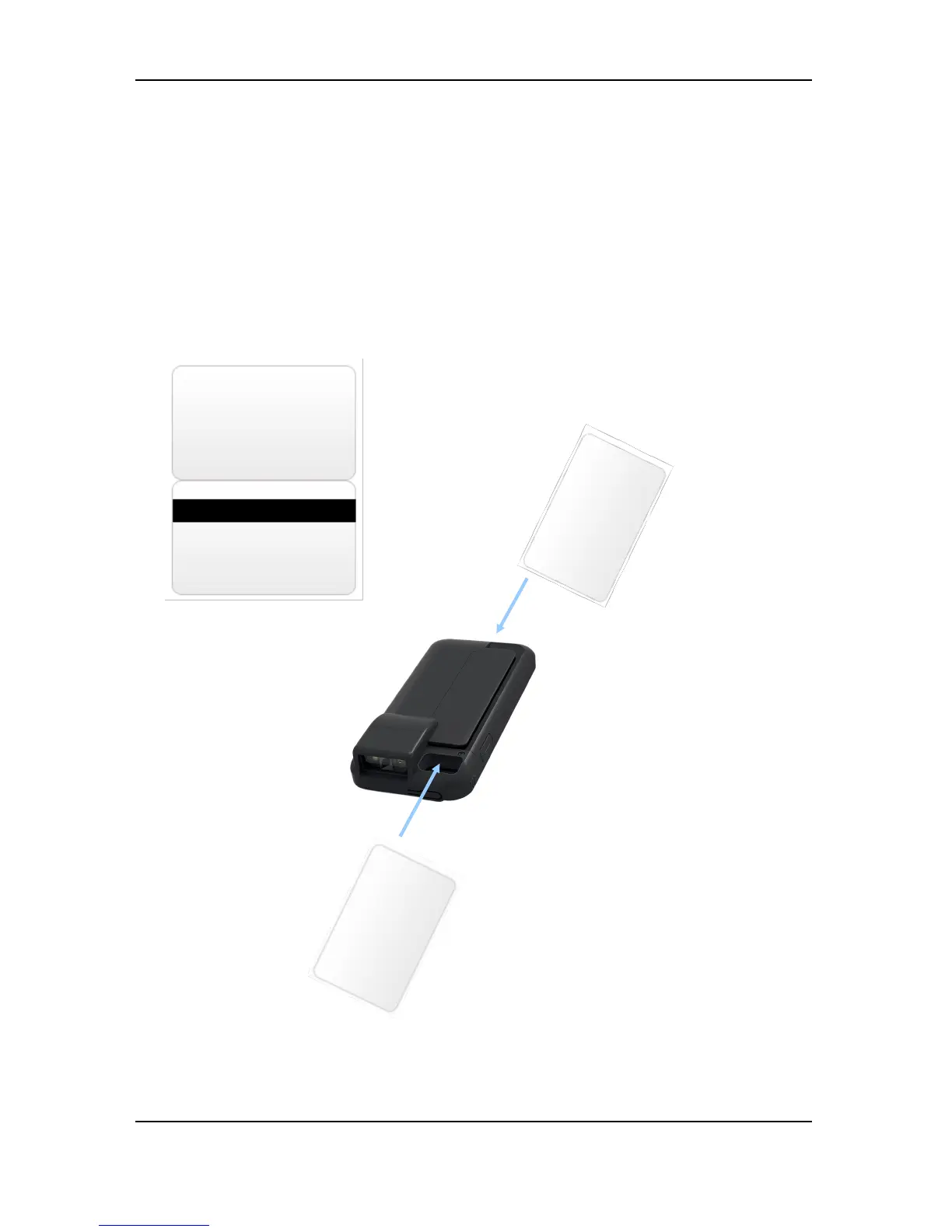
The magnetic reading head faces up, towards the top of the bottom cover of
the cradle. When swiping the card into the reader, the magnetic stripe must be facing
down, as shown in the figure below. Keep the edge of the card flat on the inner base
of the reader to ensure that the magnetic stripe passes over the reading head evenly
19
Swipe direction
Swipe direction



 To Next Page