PTT
The amplifier has no RF switching built in. To put the amplifier into transmit it
is necessary to ground the centre pin of the PTT phono socket. Most
transceivers have a 'Ground on transmit' output that will need to be connected
to the PTT socket. The amplifier uses low level switching circuitry that will be
compatible with any transceiver or transverter 'ground on transmit' output. A
separate interface or relay circuit is not required.
Powering up
Mains power switch on the front panel to on.
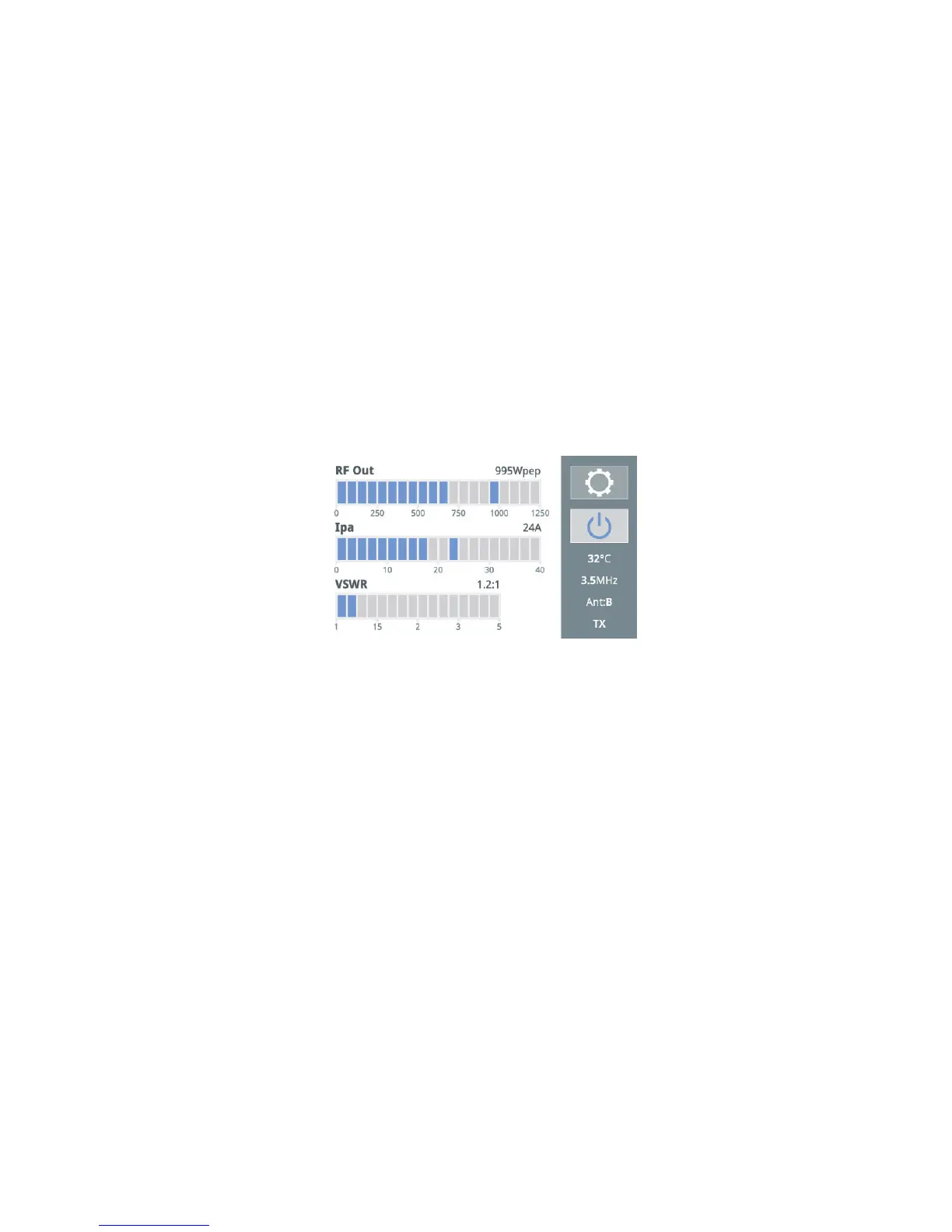
The amplfier will boot up. The screen will initalise with the Linear Amp logo
and then after approximately 10 seconds ‘DX’ will be announced in CW and
the screen will change to the operating screen.
(The amplifier will boot up either in Standby or Run mode depending on how
you have set the software. If it powers up in Standby then press on the on.off
button (top right on the screen) once).
Antenna / Band set-up
The amplifier is supplied with three rear panel Antenna sockets marked A, B
and C. Each band has an antenna assigned as required. When the amplifier
is shipped all bands are set as default to use Antenna A.
Setting up of the band/antenna matrix is done via the touch screen.
To set this up either:
Press the settings button on the main screen and then Band/Antenna button
Or:
Press the area on the main screen bottom right where the antenna in use is
displayed (it will be showing A, B or C).
This will then open up the Band/Antenna selection screen:


 To Next Page