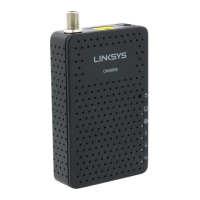
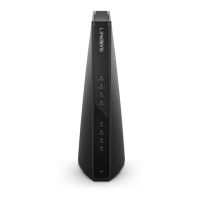
LINKSYS BEFCMU10 ver. 3 User Manual
2. Enter “winipcfg“ in the “Open“ field. Click “OK“ to execute the winipcfg and show the “IP
Configuration“ window.
3. Select the “Ethernet adapter“ to show the IP address. Press “Release“ and “Renew“ if the PC
is not accessing the Internet. After the cable modem is on line, you need to press the
“Release“ and “Renew“ to get a new IP address from your ISP’s server.
3
3
.
.
4
4
-
-
2
2
F
F
o
o
r
r
W
W
i
i
n
n
d
d
o
o
w
w
s
s
N
N
T
T
/
/
2
2
0
0
0
0
0
0
/
/
X
X
P
P
1. Click “Start“, point to “Run“, and click to open the “Run“ windows.



 To Next Page