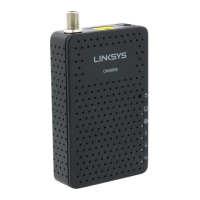
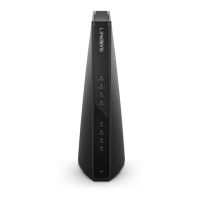
LINKSYS BEFCMU10 ver. 3 User Manual
2. The Run dialog box appears. Type “cmd” in the “Open” field, and then click “OK” to execute
the command.
3. You will enter the dos mode, type “ipconfig”, press “Enter” on your keyboard, and you will
see the IP address your computer get from the cable modem.
4. If PC is not access Internet, type “ipconfig /release”, and press “Enter” on your keyboard to
release the IP.



 To Next Page