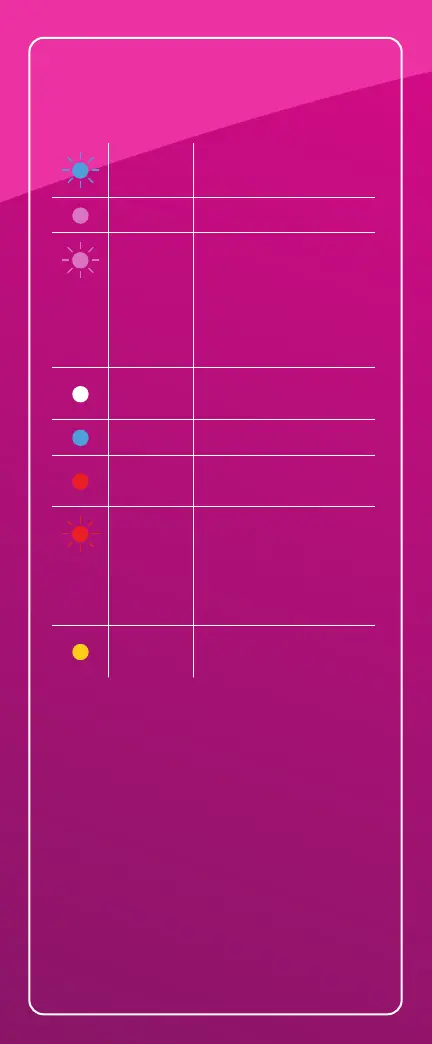
Router and child
node lights
Light not coming on?
Check under your parent node/router
and make sure the power switch is in the
ON position.
Something Not Working?
If you have any problems, please contact
Truespeed Customer Service:
Telephone: 01225 300 370
Email: ultrafast@truespeed.com
Or see our FAQs at:
www.truespeed.com/support
Blue
(blinking)
Starting up
Purple
Ready for setup
Purple
(blinking)
Setup in progress
Parent node/router:
Wait for automatic setup
to complete.
Child node:
Follow instructions in
the app.
White
Automatic setup
in progress
Blue
Connected
Red
No internet from
the Truespeed box
Red
(blinking)
Disconnected
Parent node/router:
Unplugged from
Truespeed box.
Child node:
Too far
Yellow
Weak connection
(child nodes only)



 To Next Page