Using the Linksys App
To set up child nodes, and manage
your settings.
2
Log in or create an account
Make sure you’re connected to
your new Truespeed Wi-Fi.
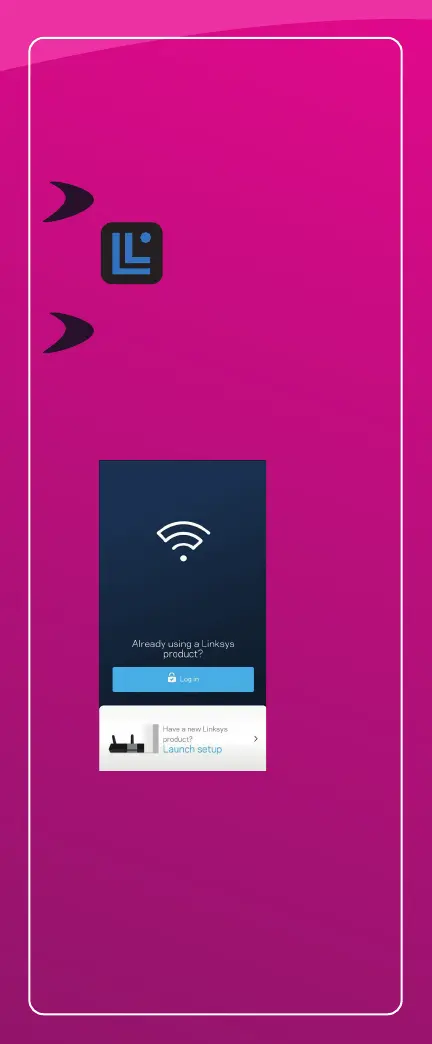
Open the Linksys app and tap
‘ISP Log in’.
If you don’t have a Linksys Smart Wi-Fi
account, create one. Tap on ‘New here?’,
Create an account.
(Check your email for validation within 48 hours).
If you don’t want to create an account,
choose ‘Use Admin Password’ or
‘Router Password’ to log in. The admin/
router password is the same as the set up
Wi-Fi password you’ve been provided.
1
Download the Linksys app
Go to your app store and
search for ‘Linksys’.



 To Next Page