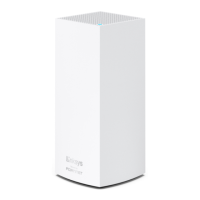
Setting up a Linksys Mesh system using
Bluetooth on your mobile device
This article will teach you how you can set up the Linksys Mesh network in minutes
through the Linksys app using Bluetooth®.
Before you begin:
Download or update to the latest Linksys app.
Parent node - The parent node is the Linksys Mesh router or node that will
be connected to your modem or internet source.
o If you have a mix of Linksys MBE7000 and MX6200 nodes,
make sure that the Linksys MBE7000 is the parent node in
your network for better wireless performance.
Child node - The child node is another Linksys Mesh router or node that
you can add to extend your WiFi network.
Learn about the router’s light behavior below:
Overview of the status light on the Linksys Cognitive Mesh products
Understanding the light behavior of your Linksys Mesh WiFi system
Directions
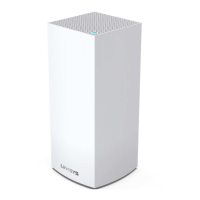
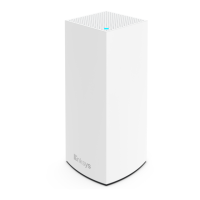
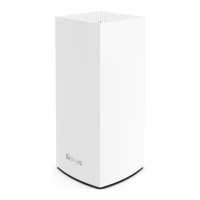
Note that a Linksys MBE7000 is being used in this article.
1. First, gather all your equipment.
If you have more than one Linksys Mesh node to set up, make sure to gather all your
equipment in the same room as the modem or internet source. You will be able to
relocate your child nodes after the setup process is complete.
Your Linksys Mesh nodes
Power adapters for each node
One ethernet cable
2. Remove your existing WiFi router.

 Need help?
 General

 To Next Page