What are you currently using as your WiFi network?
a. I have a modem (non-WiFi) and a separate WiFi router or Mesh system:
Remove your existing WiFi router and/or all your devices from the old
Mesh system.
Power cycle your modem.
Wait until your modem has rebooted and go to the next step.
b. I have a WiFi router and modem in one device.
Go to the next step.
c. I don’t have any WiFi routers or existing Mesh systems.
Go to the next step.
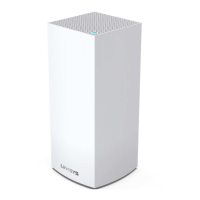
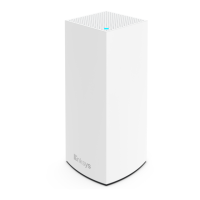
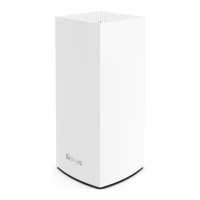
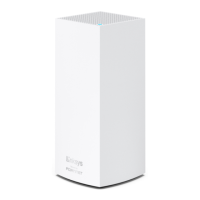
3. Connect and power on your parent node.
If you have more than one node, choose one node then connect your modem or internet
source to the Internet port on the node and power it ON.
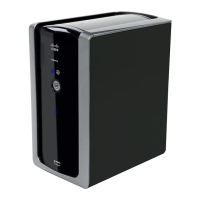
If you have a Linksys WHW03 series, use one of the two ports. After setup, the port that
you use will become the designated Internet port.
If you have a mix of Linksys MBE7000 and MX6200 nodes, make sure that the Linksys
MBE7000 is the parent node in your network for better wireless performance.



 To Next Page