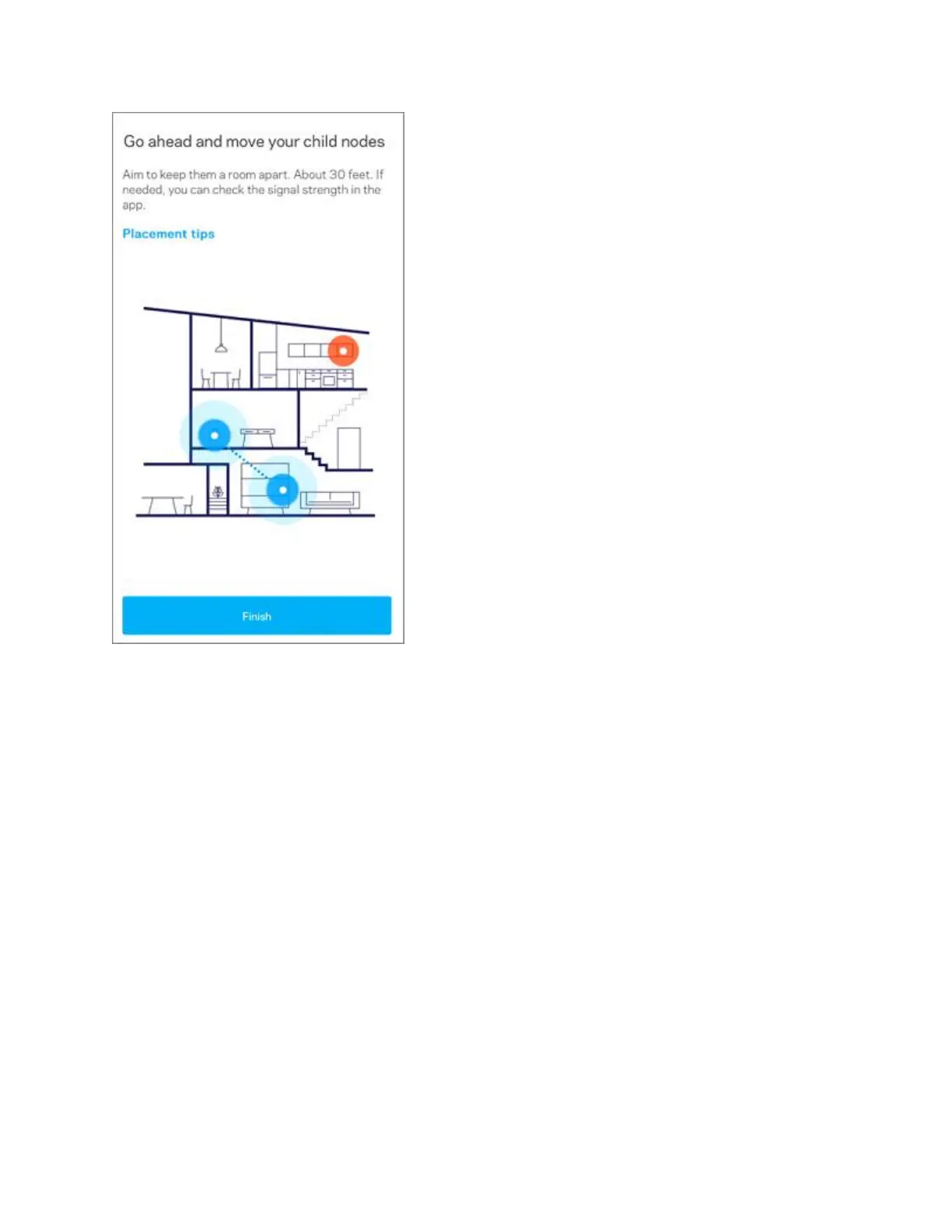
19. Your WiFi is ready. Tap on Go to dashboard.
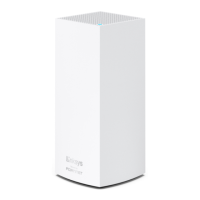
Relocate your child nodes and power them back ON. The child nodes are ready once
they have a solid light. You can now connect your WiFi devices to your
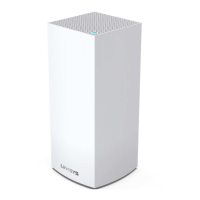
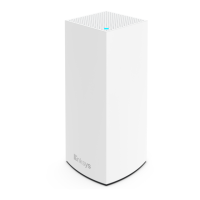
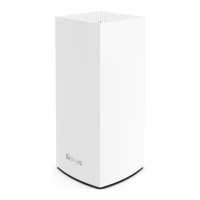
network. Depending on the model of the child nodes, they will have either a solid white
light or a solid blue light.



 To Next Page