4
5
SVENSKA SVENSKAENGLISH
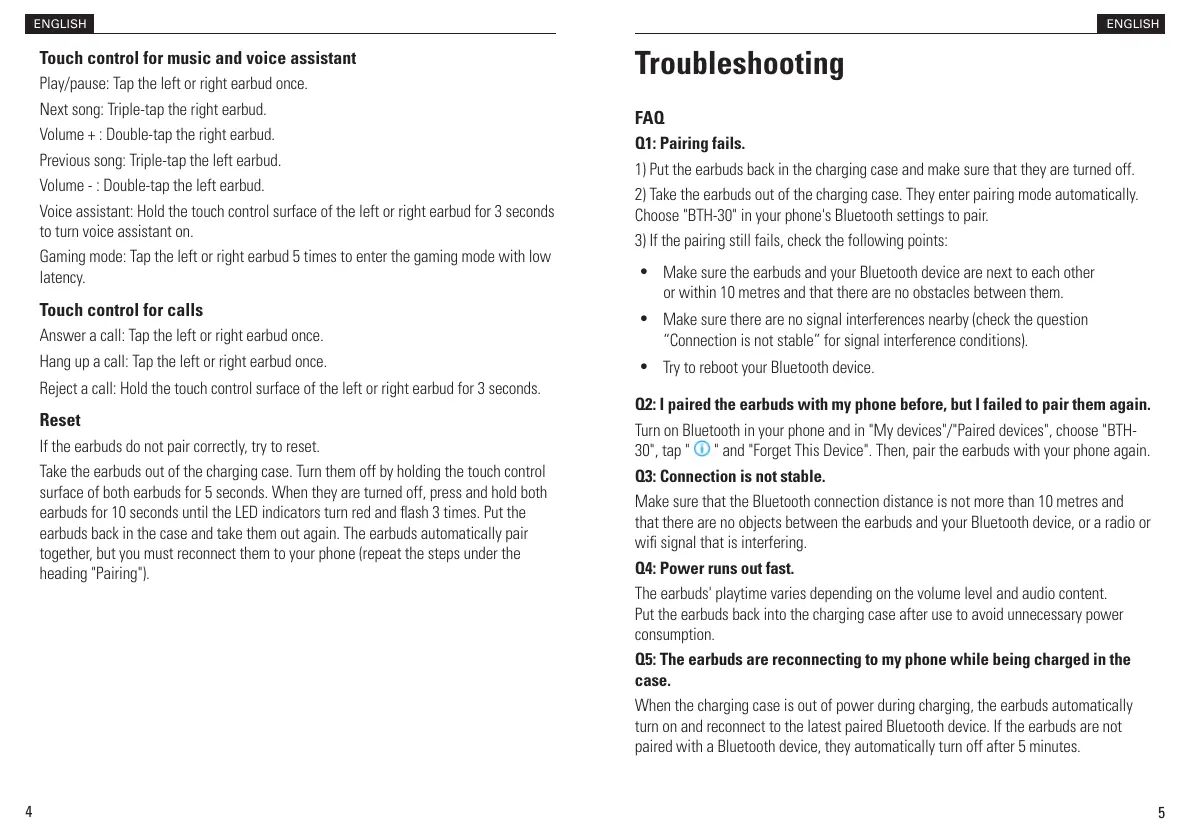
Touch control for music and voice assistant
Play/pause: Tap the left or right earbud once.
Next song: Triple-tap the right earbud.
Volume + : Double-tap the right earbud.
Previous song: Triple-tap the left earbud.
Volume - : Double-tap the left earbud.
Voice assistant: Hold the touch control surface of the left or right earbud for 3 seconds
to turn voice assistant on.
Gaming mode: Tap the left or right earbud 5 times to enter the gaming mode with low
latency.
Touch control for calls
Answer a call: Tap the left or right earbud once.
Hang up a call: Tap the left or right earbud once.
Reject a call: Hold the touch control surface of the left or right earbud for 3 seconds.
Reset
If the earbuds do not pair correctly, try to reset.
Take the earbuds out of the charging case. Turn them off by holding the touch control
surface of both earbuds for 5 seconds. When they are turned off, press and hold both
earbuds for 10 seconds until the LED indicators turn red and ash 3 times. Put the
earbuds back in the case and take them out again. The earbuds automatically pair
together, but you must reconnect them to your phone (repeat the steps under the
heading "Pairing").
ENGLISH
Troubleshooting
FAQ
Q1: Pairing fails.
1) Put the earbuds back in the charging case and make sure that they are turned off.
2) Take the earbuds out of the charging case. They enter pairing mode automatically.
Choose "BTH-30" in your phone's Bluetooth settings to pair.
3) If the pairing still fails, check the following points:
•
Make sure the earbuds and your Bluetooth device are next to each other
or within 10 metres and that there are no obstacles between them.
•
Make sure there are no signal interferences nearby (check the question
“Connection is not stable” for signal interference conditions).
•
Try to reboot your Bluetooth device.
Q2: I paired the earbuds with my phone before, but I failed to pair them again.
Turn on Bluetooth in your phone and in "My devices"/"Paired devices", choose "BTH-
30", tap " " and "Forget This Device". Then, pair the earbuds with your phone again.
Q3: Connection is not stable.
Make sure that the Bluetooth connection distance is not more than 10 metres and
that there are no objects between the earbuds and your Bluetooth device, or a radio or
wi signal that is interfering.
Q4: Power runs out fast.
The earbuds' playtime varies depending on the volume level and audio content.
Put the earbuds back into the charging case after use to avoid unnecessary power
consumption.
Q5: The earbuds are reconnecting to my phone while being charged in the
case.
When the charging case is out of power during charging, the earbuds automatically
turn on and reconnect to the latest paired Bluetooth device. If the earbuds are not
paired with a Bluetooth device, they automatically turn off after 5 minutes.


 To Next Page
 Loading...