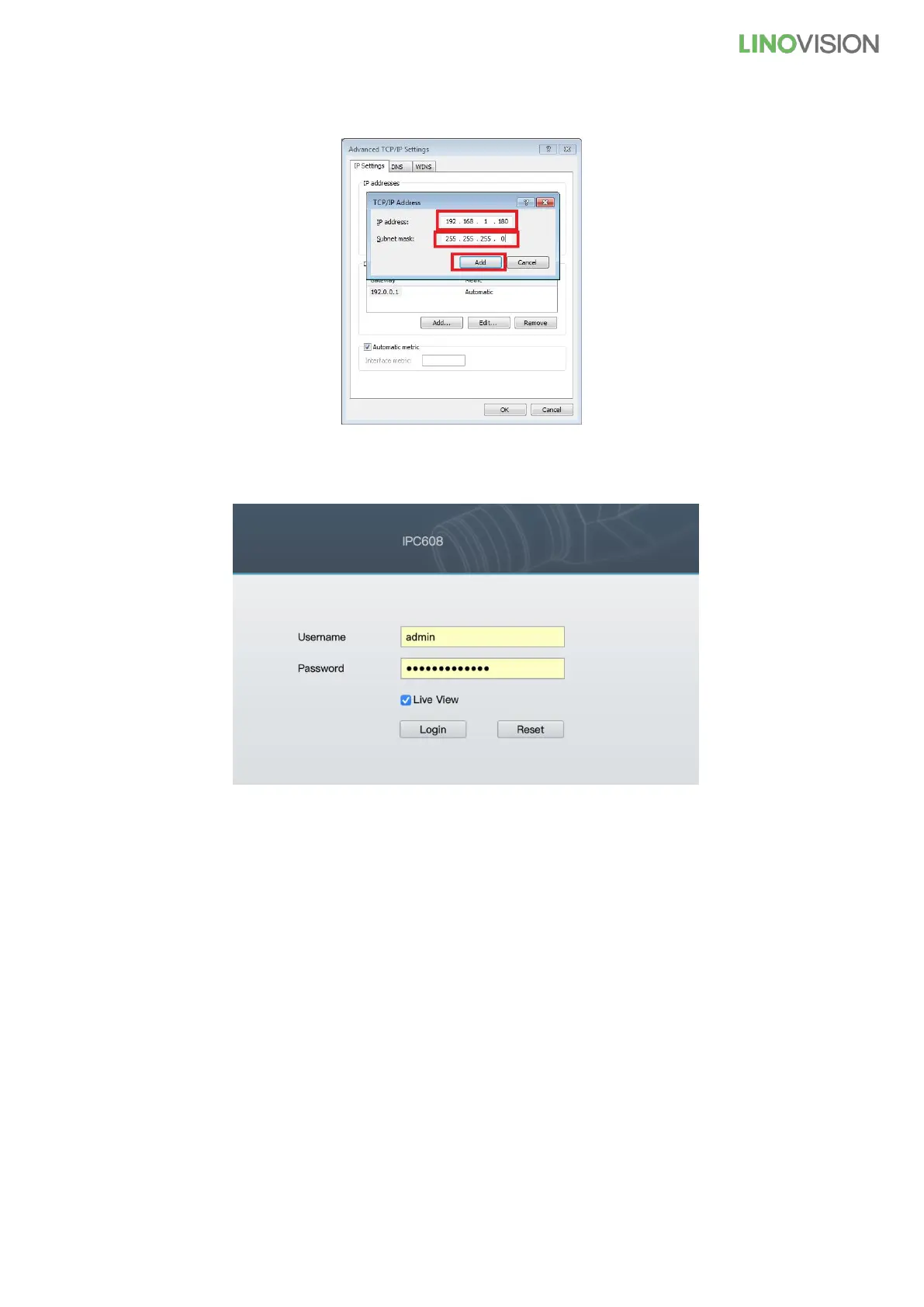
9) Enter the IP address “192.168.1.xxx(0-255)” and the subnet mask will appear when you click the blank area,
then click the “Add”
After checking the network segment, use IE to enter 192.168.1.88
Basic information:
Camera default IP address: 192.168.1.88
Camera user: admin
Camera password: #admin123456
If other computer software or NVR connect to the camera via the ONVIF protocol, and images cannot appear,
please try to adjust the camera video encoding: H.264/MJPEG/H.265/H.265+.



 To Next Page