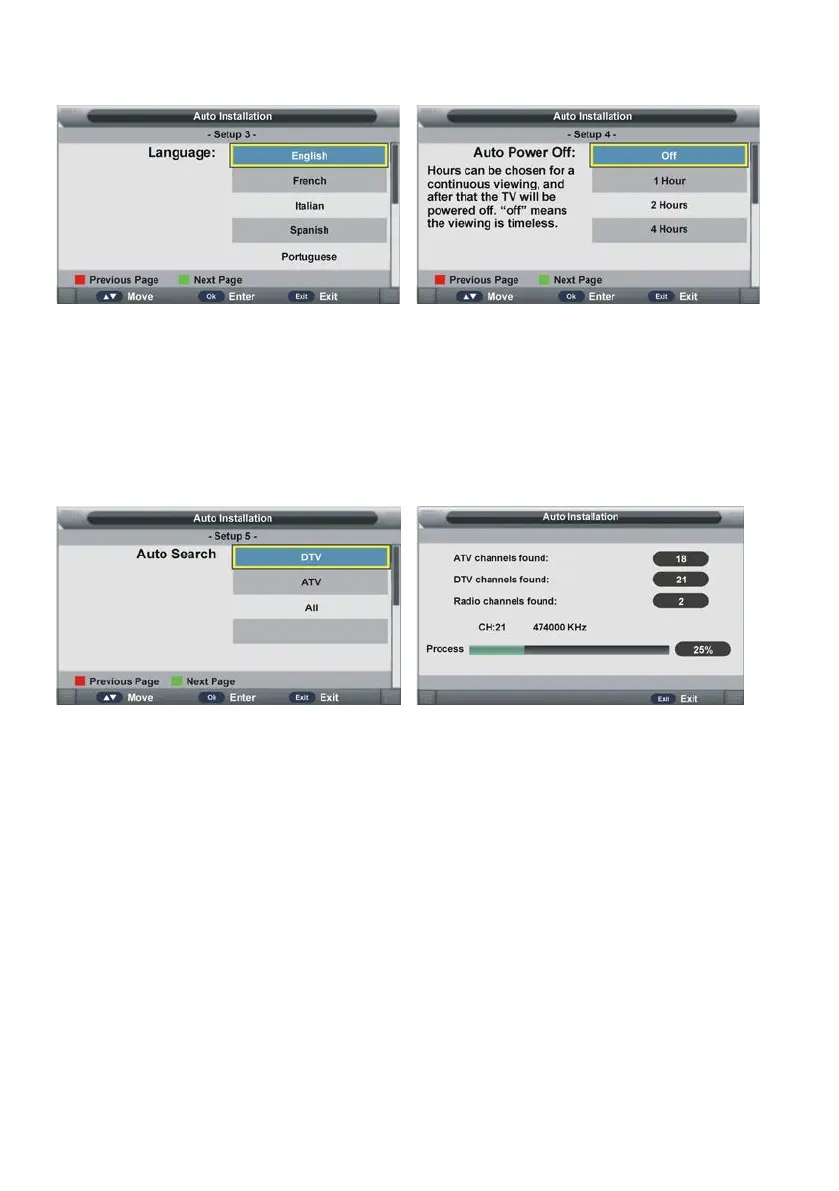
Setup 3
- Press UP/DOWN navigation button to select desired menu language.
- Press OK button to confirm selection and turn to next page.
Setup 4
- Press UP/DOWN navigation button to select desired auto power off time.
- Press OK button to confirm selection and turn to next page.
Setup 5
- Press UP/DOWN navigation button to select desired searching type.
- Press OK button to confirm selection and then this unit will search programs automatically.
NOTE:
- To exit tuning, press EXIT button on remote control to call out a dialog box, and select OK
to exit tuning; select Cancel to dismiss the dialog box.



 To Next Page