EasyManua.ls Logo

Linsar 55UHD8000FP - User Manual

Linsar 55UHD8000FP
38 pages
Print Icon
To Next Page IconTo Next Page
Loading...
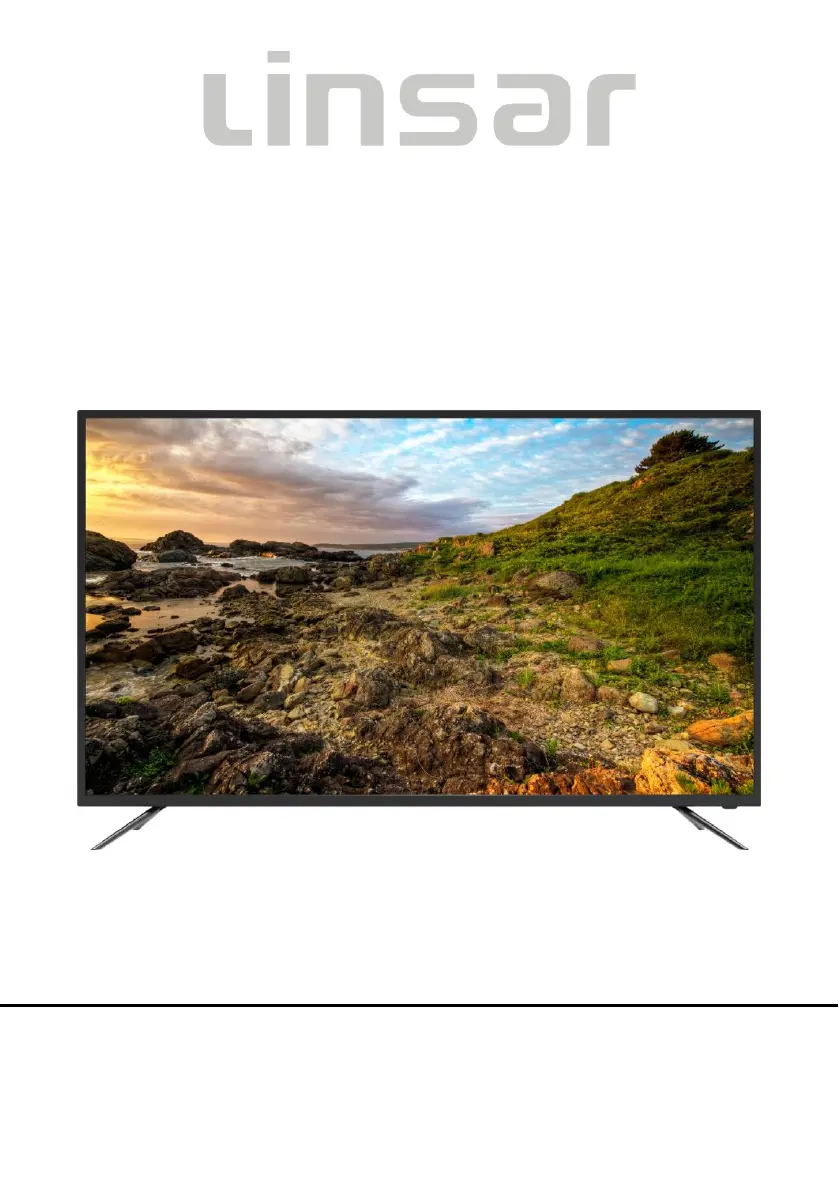
55 LED TV
MODEL NO.: 55UHD8000FP
USER MANUAL
Please read this manual carefully before using,
and keep it for future reference.

Questions and Answers

  • A
    austinwallsAug 4, 2025
    Why is my Linsar 55UHD8000FP LED TV remote not working?
    • T
      Teresa BarkerAug 4, 2025
      If your Linsar LED TV remote isn't working, several factors could be the cause. First, check that the batteries are correctly installed, paying attention to the polarities. If they are old, replace them with new ones. Also, make sure you are pointing the remote directly at the remote control sensor on the TV and that you are no more than 6 meters away. Finally, ensure there are no obstacles blocking the path between the remote and the sensor.
  • S
    Shawn Conley PhDAug 9, 2025
    What to do if my Linsar 55UHD8000FP LED TV has no sound or distorted sound?
    • S
      Sara PerryAug 9, 2025
      If your Linsar LED TV has no sound or the sound is distorted, first ensure that all equipment is connected properly. Then, check that the input settings for both the TV and any connected stereo system are correct. You can also adjust the master volume to a suitable level by pressing the VOLUME +/- button.
  • J
    Jessica MurphyAug 13, 2025
    Why is my Linsar 55UHD8000FP LED TV picture quality so poor?
    • O
      ojohnsonAug 14, 2025
      If your Linsar LED TV picture quality is poor, try these steps: Adjust the antenna or use an external antenna. If you're inside a building, try relocating the unit near a window. Also, move any units away from the TV that might be causing interference. You might also want to perform Auto Tuning again or try another channel.
  • B
    bschwartzAug 19, 2025
    What to do if my Linsar 55UHD8000FP LED TV has no sound or poor sound?
    • L
      Laura HoodAug 19, 2025
      If your Linsar LED TV has no sound or poor sound, check the audio settings. Also, make sure the mute function isn't activated by pressing the MUTE button on the remote control. Finally, check if headphones are plugged in, and unplug them if they are.
  • C
    Collin LyonsAug 23, 2025
    How to fix Linsar 55UHD8000FP LED TV when key operations are not effective?
    • D
      Daniel McintoshAug 23, 2025
      If key operations on your Linsar LED TV are not effective, it might be due to lightning, static electricity, or other factors disrupting the player's operation. Try disconnecting the power plug and then reconnecting it.
  • H
    hnorrisAug 29, 2025
    What causes noise or interference on Linsar 55UHD8000FP?
    • N
      Nicole SantanaAug 29, 2025
      If you are experiencing noise or interference on your Linsar LED TV, it may be due to electronic equipment nearby causing the interference. Try relocating the TV or moving the equipment away from it.

Summary

Important Instructions

Safety Instructions

Key safety guidelines and warnings for operating the TV to prevent hazards.

Battery Handling and Usage

Guidelines for safely handling and using batteries for the remote control.

Disposal of Old Electrical Appliances

Information on how to properly dispose of old electrical appliances according to regulations.

Accessories

Included Accessories

List of included accessories that come with the television unit.

Getting Started

Features Overview

Overview of the key features and capabilities of the 55" LED TV.

General Parts Identification

Identification and description of the main unit's front and side components.

Remote Control Operations

Detailed explanation of the remote control buttons and their functions.

Remote Control Preparation

Instructions for installing batteries and preparing the remote control for use.

Basic Connection Guide

Guides on connecting the TV to power, antenna, and other external devices.

Operations

Basic Operations

Step-by-step guide for common TV operations like power, volume, and source selection.

First Time Installation

Guide for the initial setup process, including language, country, and network.

DTV Settings

Detailed instructions for configuring digital TV settings like audio, subtitle, and picture.

Other Modes

Information on accessing and using different operational modes of the TV.

For Reference

Maintenance and Cleaning

Instructions for proper cleaning and maintenance of the TV unit.

Wall Mounting Guide

Guidelines and precautions for mounting the TV securely on a wall.

Stand Installation

Step-by-step instructions for attaching the TV stand to the unit.

Technical Specifications

Detailed technical specifications of the 55" LED TV, including dimensions and power.

General Troubleshooting

Common problems and their solutions for issues related to power, picture, and sound.

Linsar 55UHD8000FP Specifications

General IconGeneral
Screen Size55 inches
Display TypeLED
Smart TVYes
HDMI Ports3
USB Ports2
Wi-FiYes
BluetoothYes
Refresh Rate60 Hz
Resolution4K UHD (3840 x 2160)
Operating SystemAndroid

Related product manuals