EasyManua.ls Logo

Linsar 24LED450H - User Manual

Linsar 24LED450H
38 pages
Print Icon
To Next Page IconTo Next Page
Loading...
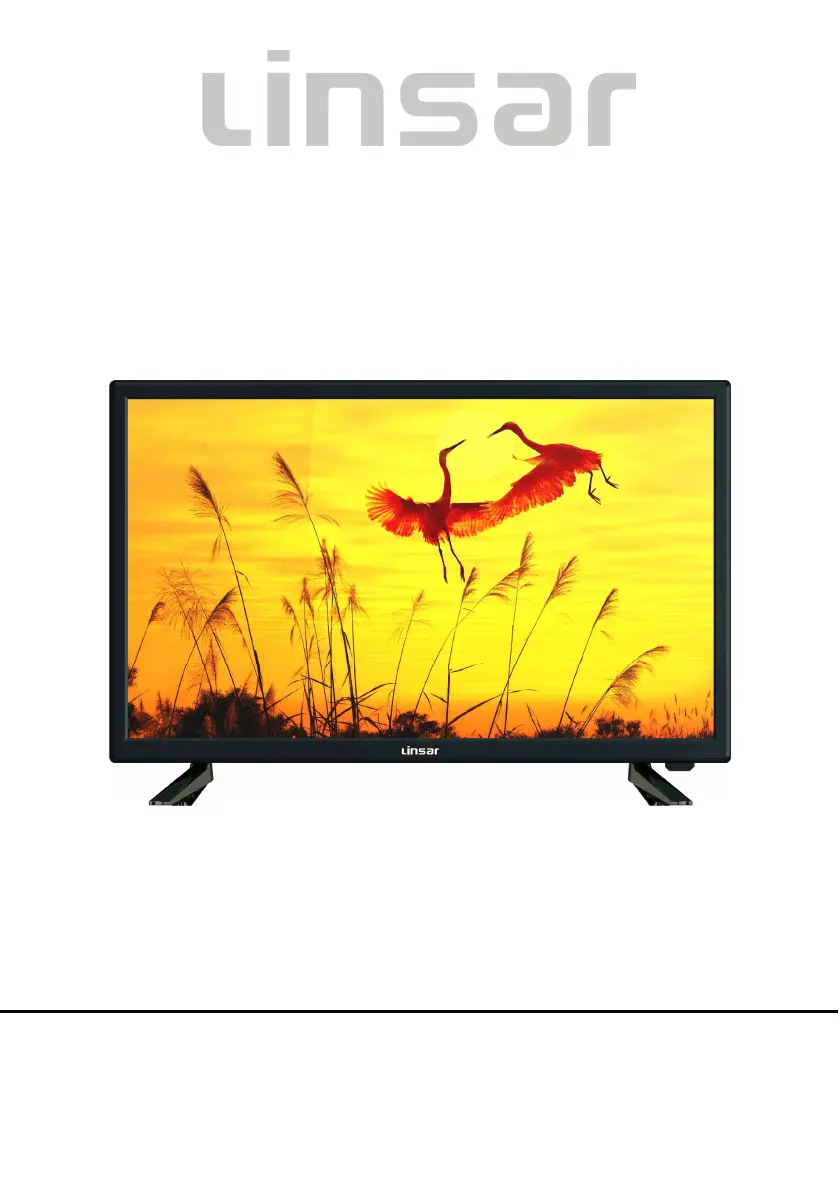
24”HD LED TV
MODEL NO.: 24LED450H
USER MANUAL
Please read this manual carefully before using,
and keep it for future reference.

Questions and Answers

  • C
    Connor RiceAug 10, 2025
    What to do if the remote control is not working on Linsar 24LED450H?
    • M
      Miss Debbie WallaceAug 10, 2025
      If your Linsar LED TV remote control isn't working, first ensure the batteries are correctly installed with the right polarities. If that doesn't work, the batteries may be exhausted, so replace them with new ones. Also, make sure you are pointing the remote control at the remote control sensor and are no more than 6m away from it. Finally, remove any obstacles between the remote control and the sensor.
  • C
    Christopher JoyceAug 14, 2025
    Why is the picture bad on my Linsar LED TV?
    • G
      Gary ThompsonAug 14, 2025
      If your Linsar LED TV shows no picture or a poor picture, try these steps: Adjust the antenna or use an external antenna. If you are inside a building, relocate the unit near a window. Move any units away from the TV that might be causing interference. You can also try to do Auto Tuning again or try another channel.
  • L
    Loretta ColeAug 20, 2025
    How to fix no sound on Linsar 24LED450H?
    • A
      Audrey RodriguezAug 20, 2025
      If your Linsar LED TV has no sound or poor sound, check the audio settings. Also, press the MUTE button on the remote control to cancel the mute function. Finally, make sure the headphone is unplugged.
  • S
    Sylvia ClementsAug 25, 2025
    Why is my Linsar 24LED450H LED TV making noise?
    • V
      Vickie CollinsAug 26, 2025
      If you are experiencing noise or other interference with your Linsar LED TV, it might be due to electronic equipment nearby. Try relocating the TV or moving the interfering equipment away from it.
  • P
    Patrick JoyceAug 29, 2025
    Why is there no sound on my Linsar 24LED450H?
    • T
      Tracy MartinAug 29, 2025
      If your Linsar LED TV has no sound, ensure that the equipment is connected properly and that the input settings for both the TV and stereo system are correct. You may also need to adjust the master volume to a suitable level by pressing the VOLUME +/- button.
  • M
    Megan DavisSep 3, 2025
    What to do if Linsar LED TV key operation is not effective?
    • J
      Joseph DelgadoSep 3, 2025
      If your Linsar LED TV isn't responding to key operations, either from the main unit or the remote control, it might be due to lightning, static electricity, or some other factors. Try disconnecting the power plug and then reconnecting it.

Linsar 24LED450H Specifications

General IconGeneral
Screen Size24 inches
Resolution1366 x 768
Display TechnologyLED
HDMI Ports2
USB Ports1
Audio Output2 x 3W
Refresh Rate60 Hz
Built-in FreeviewYes
Energy RatingA+

Related product manuals