32
7.5 Advanced Settings
PVR & Time-Shift Settings: you can select a desired disk, partition, Time-Shift size, format
USB device and check USB speed.
Hearing Impaired: for Hearing Impaired users, this function provides captions to
supplement the audio (Hearing Impaired function works only when you are viewing
programs that contain related caption information)
Blue Screen: turn on/off blue screen. The screen background will turn blue at very weak or
no signal condition if Blue Screen is ON.
Setup Wizard: open the first time setup wizard.
Home/Store Mode: turn on/off store (shop) mode.
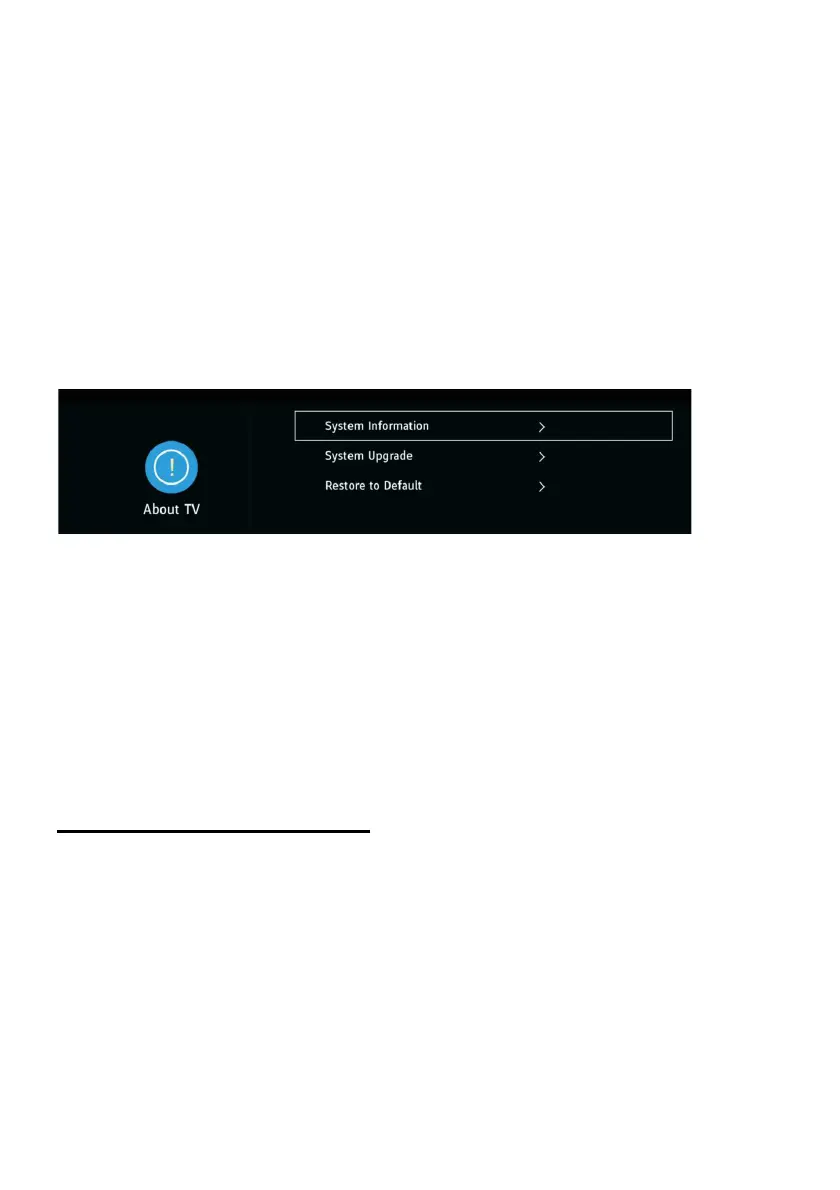
8. About TV
8.1 System Information
- Show TV system information.
8.2 System Upgrade
- Update software through network or USB memory device.
Note: Only technicians are authorized to update the software.
8.3 Restore to Default
- Restore OSD menu to default settings.
ATV AND OTHER MODES
- Press SOURCE button on the remote control to select desired input source.
- For other menus, please refer to the operations of DTV mode.



 To Next Page