Remote control operations when playing multimedia files:
- Press the button on the remote control to play or pause playing.
- Press the button on the remote control to stop playing.
- Press the button on the remote control to move fast backward.
- Press the button on the remote control to move fast forward.
- Press the button on the remote control to play the previous file.
- Press the button on the remote control to play the next file.
NOTE: To play your multimedia files, make sure you have selected the correct icon in the
main menu of MEDIA PLAYBACK. That is to say, you can only play Photo files in PHOTO
mode, Music files in MUSIC mode, and so on.
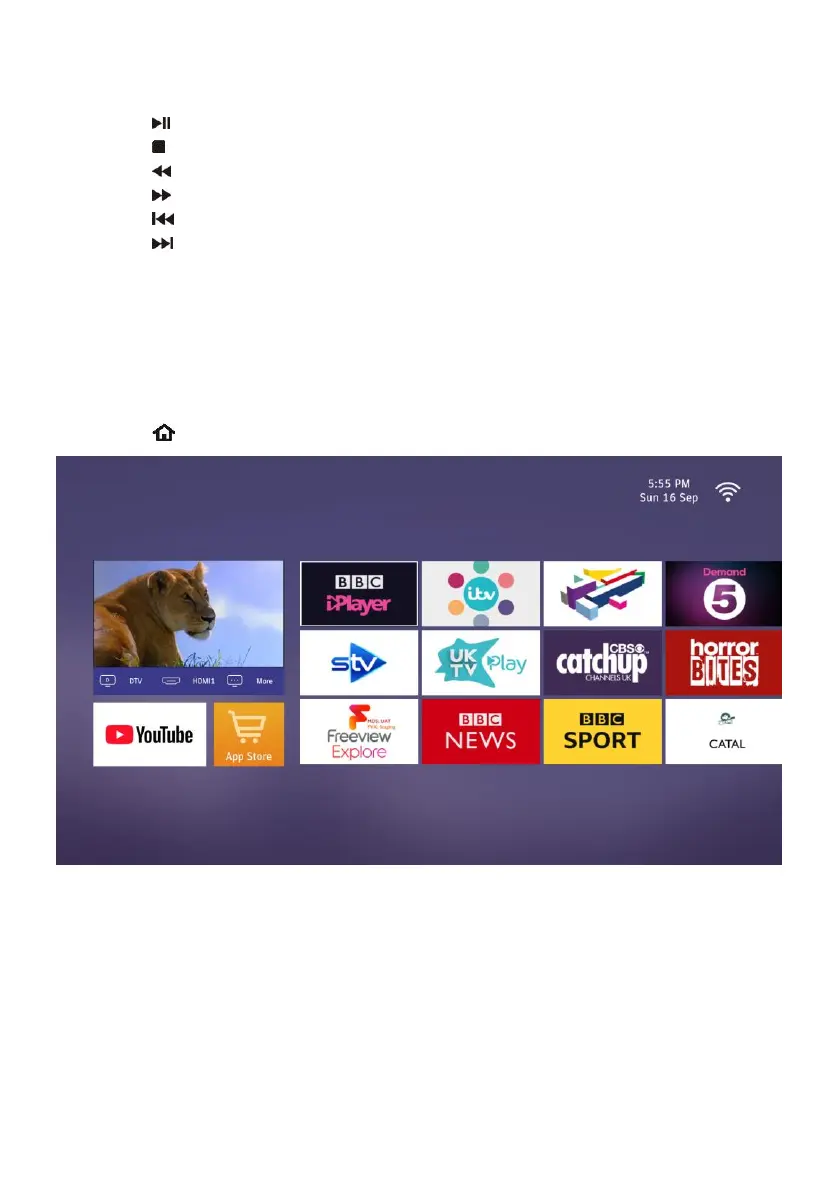
Home page of Smart TV
- Press the (Home) button on remote control to open home page of Smart TV.
- Use UP/DOWN/LEFT/RIGHT navigation button to select an application and press OK
button to open it.
Note: Before using this Smart TV, please make sure that this TV is successfully connected
to network either by LAN or Wi-Fi. For network connection, please refer to the settings of
“Network”.



 To Next Page