Recorder: Turn on/off Recorder.
Type: Select your recording type: DTV, Radio.
Channel: Select a channel you want to record.
Start Time: Set the recording start time.
Duration: Set the recording duration.
Date: Set the date of recording.
Mode: Set the recording mode.
NOTE: To change the numerical display of above items, press OK button to enter it and
then use LEFT/RIGHT navigation button to move the cursor; use number buttons to input
your desired value and press OK button to confirm your setting.
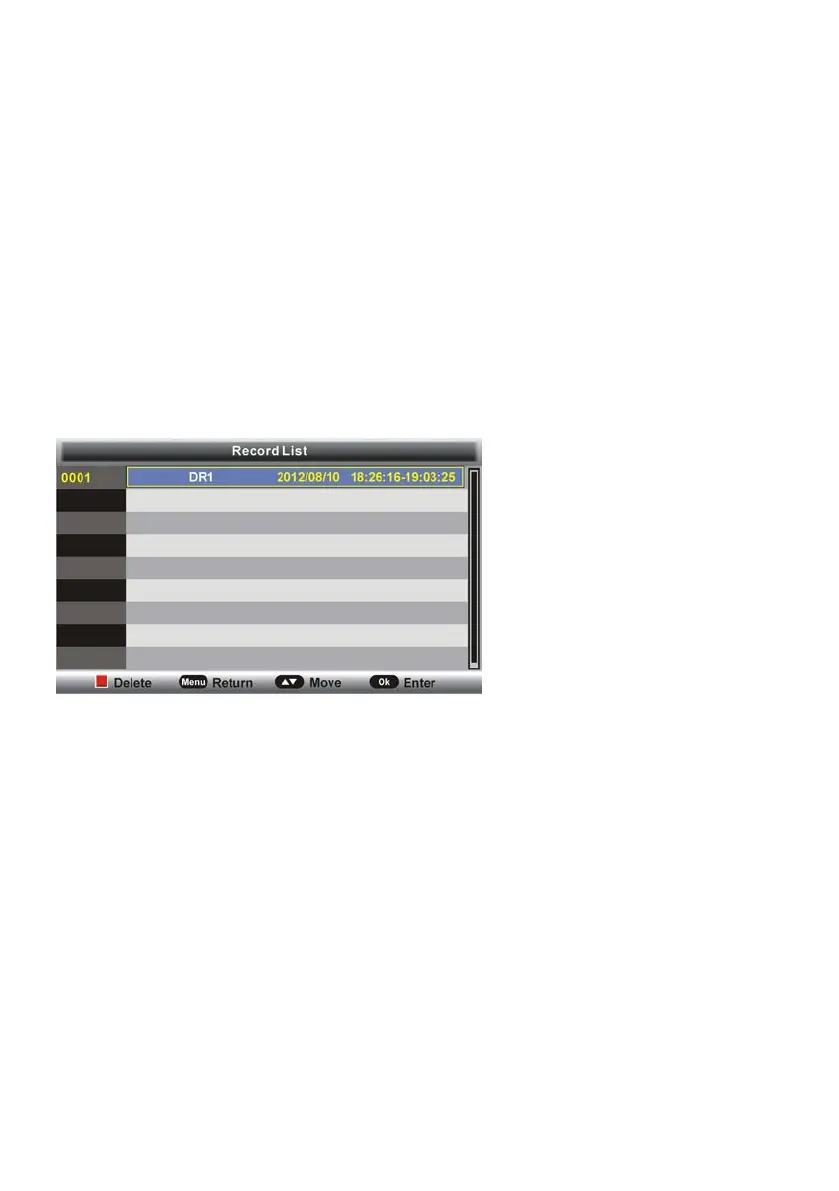
4.85 Record List
- Press OK or RIGHT navigation button to enter submenu.
- Press UP/DOWN navigation button to select recorded files and press OK button to start
playback.
4.86 Recorder Start
This item is used to start recording when watching an available digital program.
NOTE: Before recording, insert your USB memory device into USB slot first.



 To Next Page