Page 2 of 9 FA69335–3 English
Sep 2014
9
How To Change the Print Settings
Linx 5900 & 7900
1 Introduction
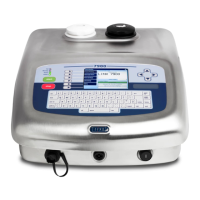
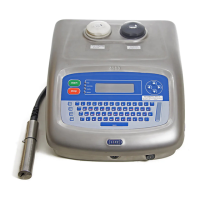
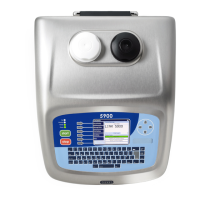
This document describes how you can change the Print Settings on the 5900 and 7900
printers. The Print Settings page contains the following options:
• Print Delay
• Print Width
• Print Height
• Lock Aspect Ratio
• Print Count
• Message Type (7900 only)
• Message Orientation Mode (5900 only)
• Message Orientation
• Reset All Message Sequences
• Total Print Count
You need a User Level B password to access the Print Settings page.
NOTE: This document is for operators and line supervisors who know how to use the
printer, and have performed the tasks described in the Linx 5900 & 7900 Quick Start
Guide.
1.1 Health and Safety
Make sure that you read and understand the Health and Safety information in the ‘Safety’
section of the Linx 5900 & 7900 Quick Start Guide.


 To Next Page