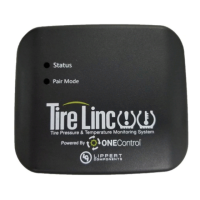
When Stem Sensors are under
pressure, data is transmitted to the
Repeater when tires are:
• moving/rotating, every one
minute;
• not moving/not rotating, every
15 minutes.
The Alert Indicator will
continually scan for tire events
from the Repeater when it is
plugged into a USB cable connect-
ed to a powered USB port. This
conguration is best because it
will be the most responsive to tire
events.
When not plugged into a powered
USB port, e.g., running on internal
battery, the Alert Indicator period-
ically scans for data sent to the
Repeater, when tires are:
• moving/rotating, every
minute;
• not moving/not rotating,
scanning time increments
in 1, 2, 4, 8 and 15 minutes
(maximum), with the Indica-
tor entering sleep between
scans.
The Alert Indicator is provided
to send simple audio and vi-
sual alerts of a tire pressure or
temperature event. No additional
programming of the Indicator is
required.
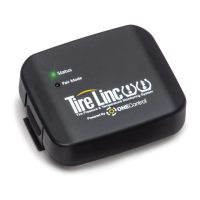
NOTE: The Repeater’s Status
LED will blink green, yellow or
red to indicate certain conditions.
The number of blinks of the LED,
Operation
6


 To Next Page
 Loading...