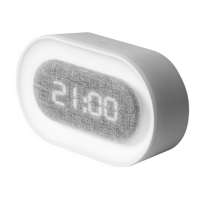
Set Time
1. Change display to TIME mode
2. Press and hold SET button for 2
seconds to enter EDIT mode
3. Use UP/DOWN buttons to choose 12
hour or 24 hour display
4. Press SET button once then use
UP/DOWN buttons to adjust Hour
5. Press SET button once then use
UP/DOWN buttons to adjust
Minutes
6. Press SET button once to Exit


 To Next Page