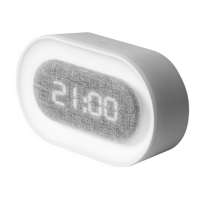
Need help?
Do you have a question about the Liquid Ears LEWACWLA and is the answer not in the manual?
Explains how to cycle through different display modes like TIME, DATE, ALARM, and TEMPERATURE.
Detailed steps to set the clock's time, including hour, minute, and 12/24 hour format selection.
Instructions for configuring the year, month, and day settings on the alarm clock.
Steps to activate, set, and adjust multiple alarms, including notes on behavior.
Procedure to turn off active alarms on the clock.
Guide to switch between Celsius (°C) and Fahrenheit (°F) temperature displays.
Describes different display modes (dP-1, dP-2, dP-3) for automatic or manual screen cycling.
Instructions on how to activate and deactivate the power-saving feature for the display.
Information on clock memory retention via batteries and battery requirements (3 x AAA).
 General
| Brand | Liquid Ears |
|---|---|
| Model | LEWACWLA |
| Category | Alarm Clock |
| Language | English |

 To Next Page