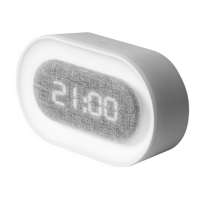
Display Mode
Press UP button to change default
display mode:
dP-1: Display will show TIME mode for
10 seconds then DATE and
TEMPERATURE modes for 2
seconds each
dP-2: Display will show TIME, DATE,
ALARM, or TEMPERATURE mode
based on your selection
dP-3: Display will default to TIME mode
after 15 seconds of no activity


 To Next Page