30 31
SETTINGS MENU
1. In the main menu, select the PARAMÈTRES (Settings) menu
using the
and buttons, then press the multi-function
button.
2. Use the and buttons to select the next sub-menus.
3. Press the multi-function button to access the sub-menu
options.
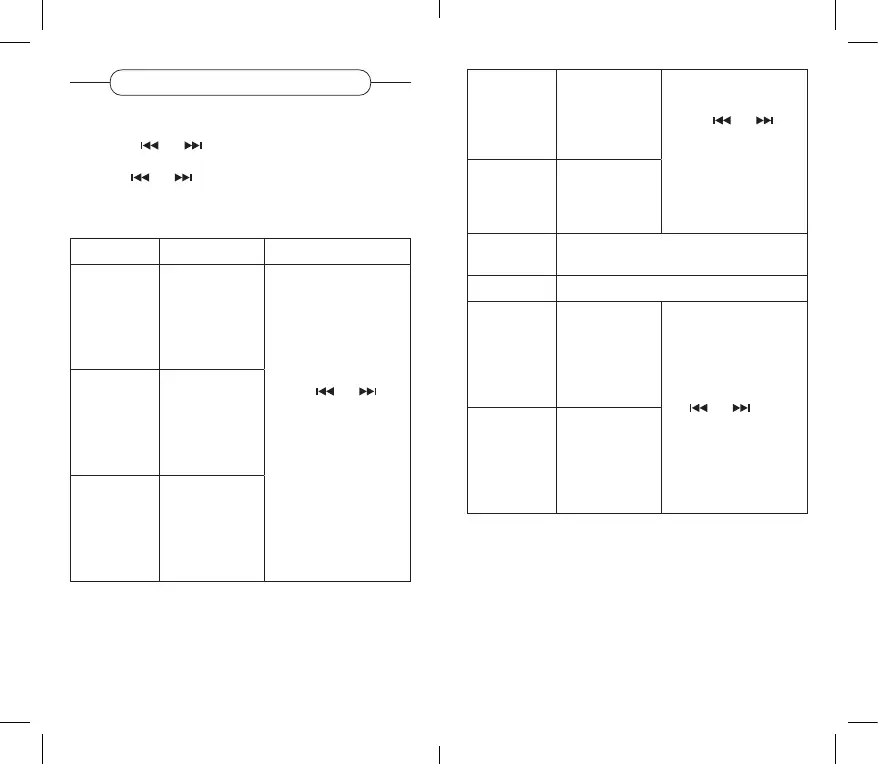
Sub-menus Options Description
Language Select the
menu language
(French, English,
Spanish,
German or
Dutch).
Use the
and
and buttons to make a
selection, then press the
multi-function button to
conrm.
Backlighting Determine
the duration
of screen
lighting (from
10 seconds to
always on).
Auto lock Lock all the
player keys
(long press
on the multi-
function button
to unlock).
Standby
mode
Determine
the automatic
standby time
(from 1 to 99
minutes).
Use the
and
and buttons to make a
selection, then press the
multi-function button to
conrm.
Contrast Adjust the
screen’s
contrast level
(from 0 to 10).
Disc space Display all space and the space used on the
SD card.
Information Display the software version number.
Format Delete all
memorised data
from the SD
card.
Choose between Oui
(Yes) or Non (No) using
the
and , then
press the multi-function
button to conrm.
Factory reset Restore the
device’s factory
settings.



 To Next Page