40
Charging the battery
TheMP4player’sbatterycanbechargedintwodierentways:
• ConnecttheMP4playertoyourcomputer,or
• Use a micro USB charger (not provided).
Connecting and charging
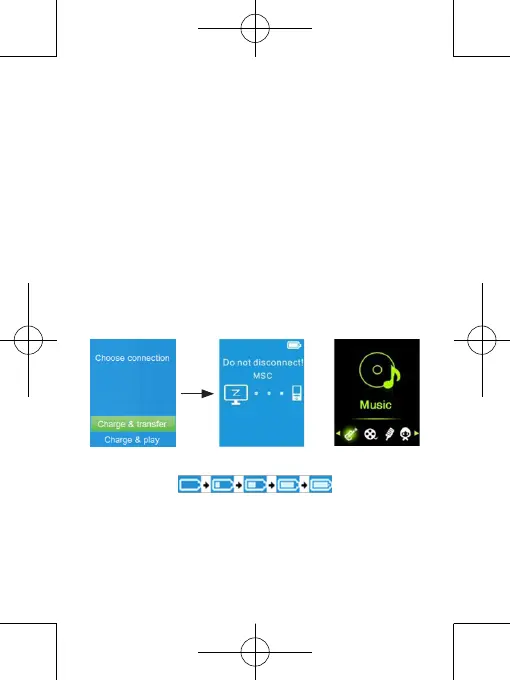
• Once your MP4 player isconnected to yourcomputer or the charger, you will see
“Choose connection” appear on your screen, which will allow you to select your
preferred connection mode. It will automatically switch over to “Charge&Transfer”
mode if no option is selected within 4 to 5 seconds.
• Choose “Charge&Transfer”modetodownloadoruploadmedialesfromortoyour
computer and to charge the MP4 player’s battery.
• Choose “Charge&Play” mode to use the MP4 player and charge the battery in the
background.
• YoucanseethebatteryiconontheMP4player’sscreen,aswellasthebatterycharge
status. The battery is charging.
“Chooseconnection” “Charge&Transfer” “Charge&Play”
or
Charging in progress
Important:
• The battery does not continue to charge when your computer is in sleep mode or switched o.
• The USB ports of most keyboards do not provide enough power to charge the MP4 player.
• To prevent charging issues, only connect the player to a USB 2.0 or USB 3.0 port on your
computer.



 To Next Page