10
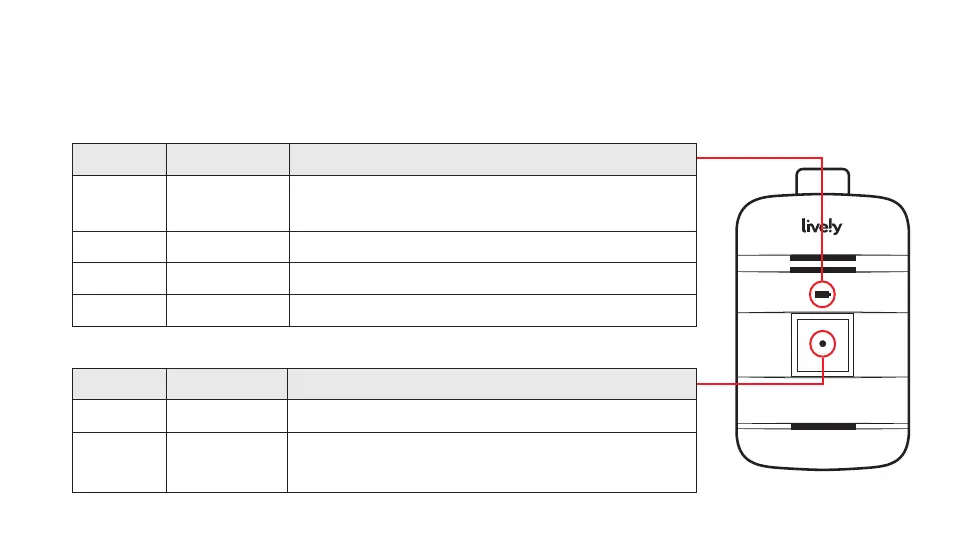
About the Indicator Lights
Battery Indicator
Color Pattern Meaning
O None Battery does not require charging or the
device is powered o
Green Solid Battery is fully charged; ready to use
Green Flashing Battery is charging
Red Flashing Battery is low; needs to be charged
Service Indicator
Color Pattern Meaning
Green Flashing Good cellular coverage; ready to use
Red Flashing No cellular coverage; try another
location



 To Next Page