Page | 7
4 Browsing Media Files
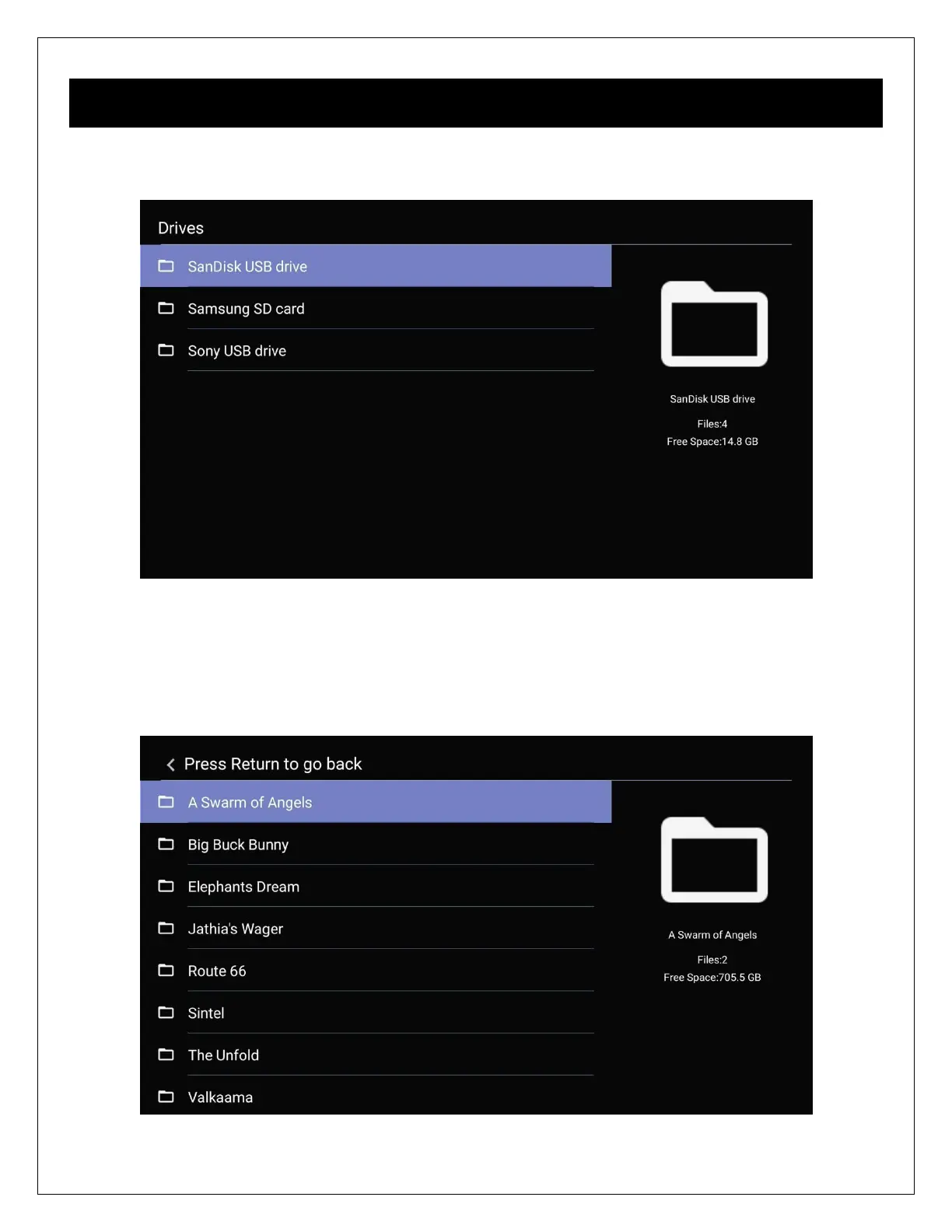
After selecting the Videos, Photos, Music, or File icon from the main menu, the file browser
interface is displayed for finding media files on USB drives and memory cards.
After selecting a storage device, media files will be displayed in the same folder structure as
they are stored. Use the directional LEFT/RIGHT and UP/DOWN buttons on the remote control
to select folders or files and press OK/ENTER to enter a folder. Use the PREV/NEXT buttons to
scroll through files/folders one page at a time. To exit from a folder, press the RETURN button.
To play a media file, highlight it and press the OK/ENTER button.


 To Next Page