EasyManua.ls Logo

Lloyds Pharmacy LTD2 - User Manual

Lloyds Pharmacy LTD2
18 pages
Print Icon
To Next Page IconTo Next Page
Loading...
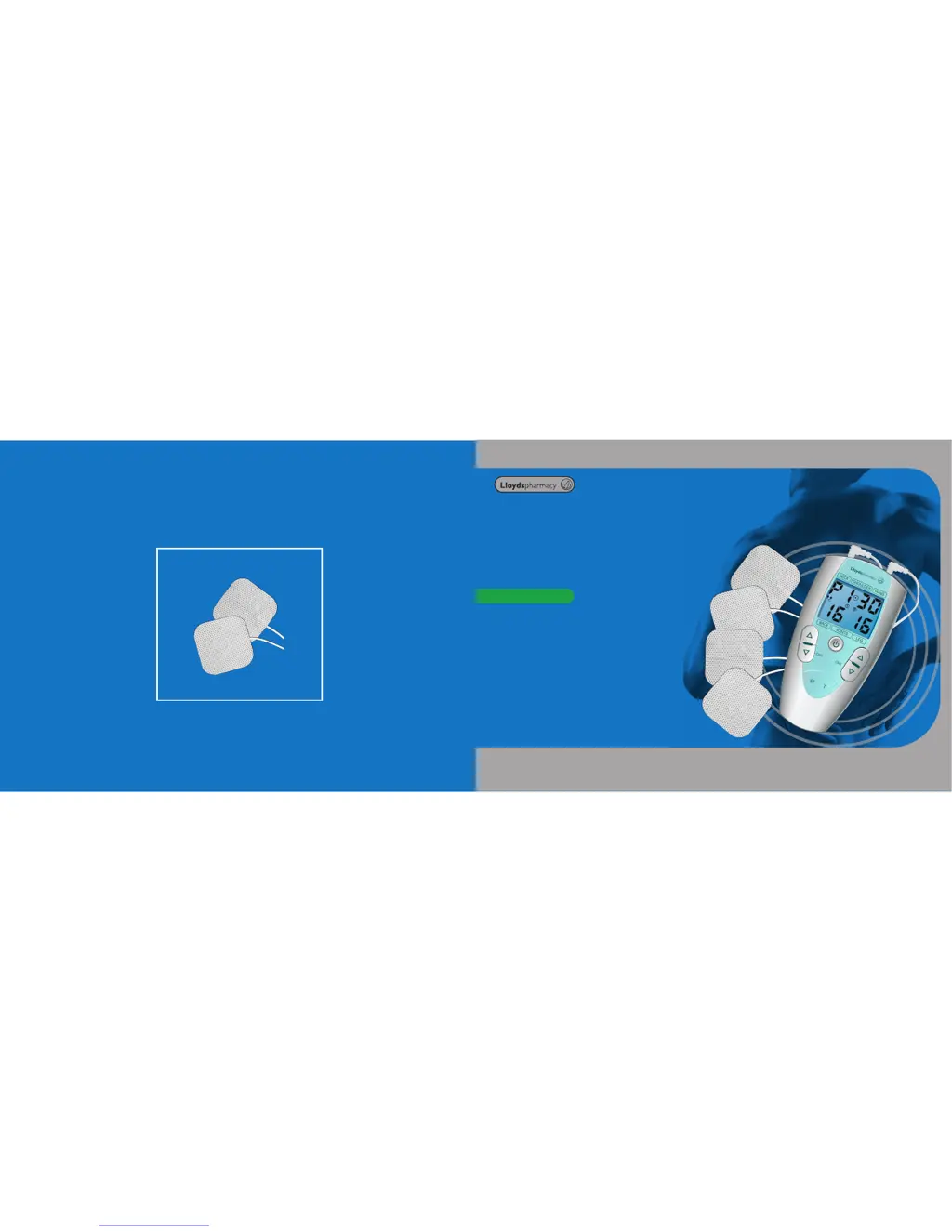
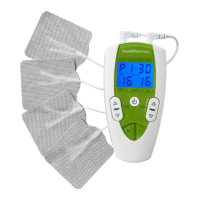
TENS Dual Channel Digital
Pain Reliever
User Manual
Model LTD2
Replacement Gel Pads
Available accessories
Last revised: 15/08/12 V11

Questions and Answers

  • M
    Matthew BrownAug 1, 2025
    Why is the stimulation uncomfortable with Lloyds Pharmacy LTD2 Personal Care Products?
    • M
      Michael WilliamsAug 2, 2025
      If you're experiencing discomfort with the Lloyds Pharmacy Personal Care Products stimulation, it could be due to several reasons. First, check if the intensity is too high and decrease it if necessary. Ensure you're operating the device according to the user manual. Also, reposition the gel pads further apart, and make sure they are placed firmly on the skin. Finally, inspect the gel pads and cables for any damage or wear, and replace them if needed.
  • P
    Patrick StanleyAug 11, 2025
    What to do if Lloyds Pharmacy LTD2 Personal Care Products will not turn on?
    • J
      Jesse JohnsonAug 11, 2025
      If your Lloyds Pharmacy Personal Care Products device isn't turning on, the most likely cause is the batteries. First, ensure that the batteries are not exhausted and replace them if necessary. Second, check that the batteries are installed correctly, paying attention to the correct polarity.
  • D
    Denise PhillipsAug 20, 2025
    Why is the stimulation weak on Lloyds Pharmacy LTD2 even with new batteries?
    • J
      Jason HintonAug 20, 2025
      If you're experiencing weak stimulation with your Lloyds Pharmacy Personal Care Products, even after inserting new batteries, consider these possibilities: * Ensure the gel pads are correctly and securely attached to your skin. Re-attach them if necessary. * Check the gel pads for dirt. Clean them with a damp, lint-free cloth or replace them with new ones. * Verify that the intensity level isn't too low and increase it if needed.

Summary

Safety Guidelines

TENS Safety and Contraindications

Lists contraindications and specific medical conditions where TENS use requires caution or consultation with a doctor.

Operating Your TENS Device

Initial Setup and Connection

Details battery installation, gel pad connection, and initial setup steps for using the device.

Program Selection and Intensity Control

Describes how to select treatment programs, modes, adjust intensity levels, and use the lock function.

Treatment Programs

Mode Settings Explained

Battery Care

Technical Specifications

Troubleshooting Common Issues

Device Fails to Power On

Addresses issues related to the device failing to power on, checking batteries and connections.

Weak or Uncomfortable Stimulation

Covers problems with low or uncomfortable stimulation, suggesting checks for intensity, pad placement, and condition.

Skin Irritation or Therapy Interruption

Provides solutions for skin redness, stabbing pain, or stimulation stopping, focusing on pad placement and cleanliness.

Device Maintenance and Cautions

Care and Handling Precautions

Advises on device maintenance, cleaning, handling of gel pads, and avoiding damage or misuse.

Lloyds Pharmacy LTD2 Specifications

General IconGeneral
BrandLloyds Pharmacy
ModelLTD2
CategoryPersonal Care Products
LanguageEnglish

Related product manuals