EasyManua.ls Logo

Lock Inspection Systems MET 30+ - Met30 + 1 f System Menu (Touch Screen)

Lock Inspection Systems MET 30+
61 pages
Print Icon
To Next Page IconTo Next Page
To Previous Page IconTo Previous Page
Loading...
Doc. Ref.No: Q875-0143/ENG Issue 2
Met 30+ Operating Manual
12/01/10
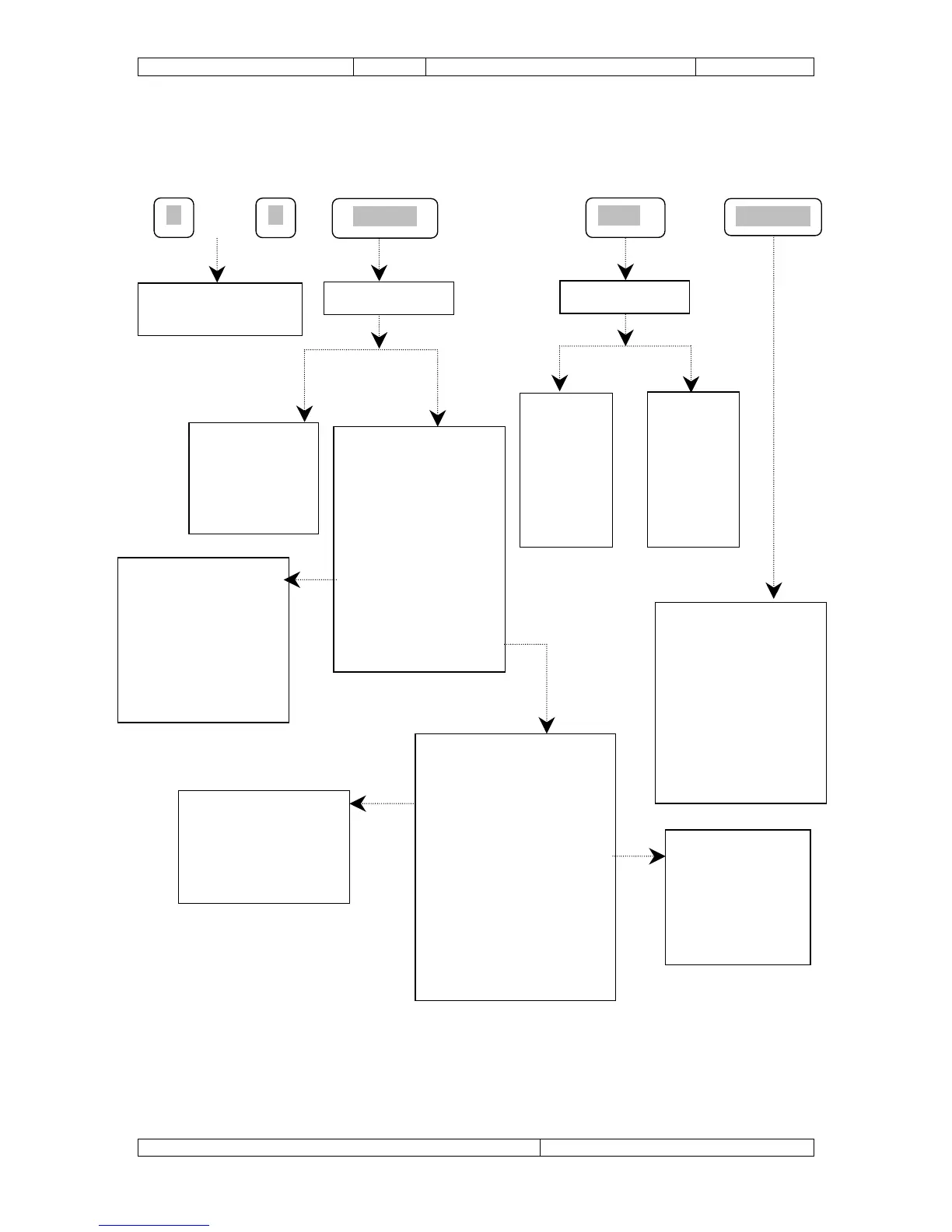
9.3 Met30 + 1f System Menu (Touch Screen)
Edit Product Menu
[E] Edit product name
[W] Product Width
[H] Product Height
[P] Product Phase
[G] Adjust gain
[x] Exit
Supervisor Menu
[T] Do Sample test
[P] Select Product
[R] Print reports
[C] Clear counts
[S] Setup product
[r] Adjust reject timer
[E] Edit product
[D] Delete product
[o] Operator’s code
[e] Engineering setup
[x] Exit
Operator Menu
Test
Product
Print
Exit
Product/reject counts
Product setup data
Communication
Setup
Port A
Port B
Detector ID
Exit
Engineering displays
Software version
Machine type
Timer parameter
Syschek time (only if
configured)
Noise test
Test Tacho (only if
configured)
Engineering Setup Menu
[S] Sample test reminder
[c] Configure system
[v] Vibration setup
[T] Set system clock
[C] Communication setup
[P] Printer setup
[s] Supervisor’s code
[e] Engineer’s code
[l] Lock engineering
[x] Exit
Configure System
Inputs
Syschek
Aux
Exit
SELECT
OR
Enter Code
DISPLAY
Graphics
[Z] Zoom
[R] Rotate
[C] Clear
[F] Flash
[B] Bar Gr
[P] PAZ
Enter Code
Edit
[W] Width
[C] H Chk.
[H] Height
[P] Phase
[G] Gain
[N] Name
ADC
File Name: Q875-0143 ENG Iss2 Met30+ Operating.doc Page 54 of 58