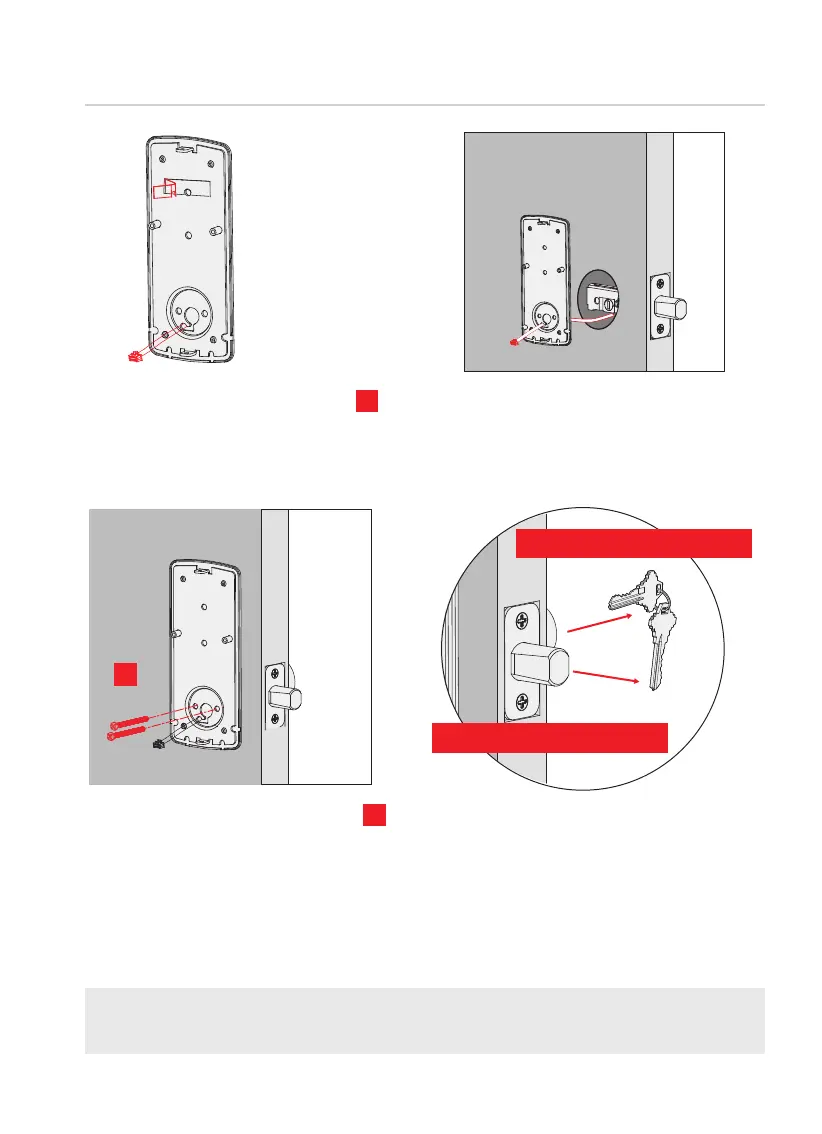
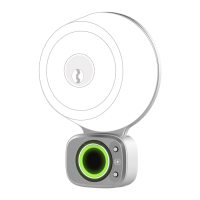
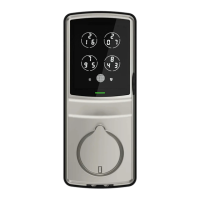
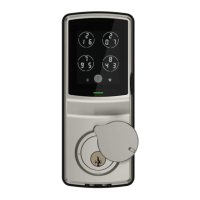
INSTALLING EXTERIOR ASSEMBLY (B)
6
Step 2
continued
TIP: when installing screws by hand, turn screws clockwise several turns then
counterclockwise one turn to ensure smooth threading and no cross threading.
1: Check mounting plate
alignment to door hole before
securing with adhesive strips.
3: Insert, tighten by hand 2
screws located on the left
and right of the blade. Check
alignment and tighten with
screwdriver until mounting plate
is
securely placed on door.
4: Use the key to ensure deadbolt locks
and unlocks smoothly (no binding or
rubbing). IMPORTANT: when finished,
leave the deadbolt extended and
remove the key before proceeding
to the next step.
2: Align and secure mounting plate
with adhesive strips. Guide connection
cable through and secure to the lower
left notched hole.
2X
D
G
Remove key when finished
Leave deadbolt extended
G



 To Next Page