10
Congratulations!
Your Secure Link Wi-Fi Hub
is now set up.
Below are some quick information for troubleshooting.
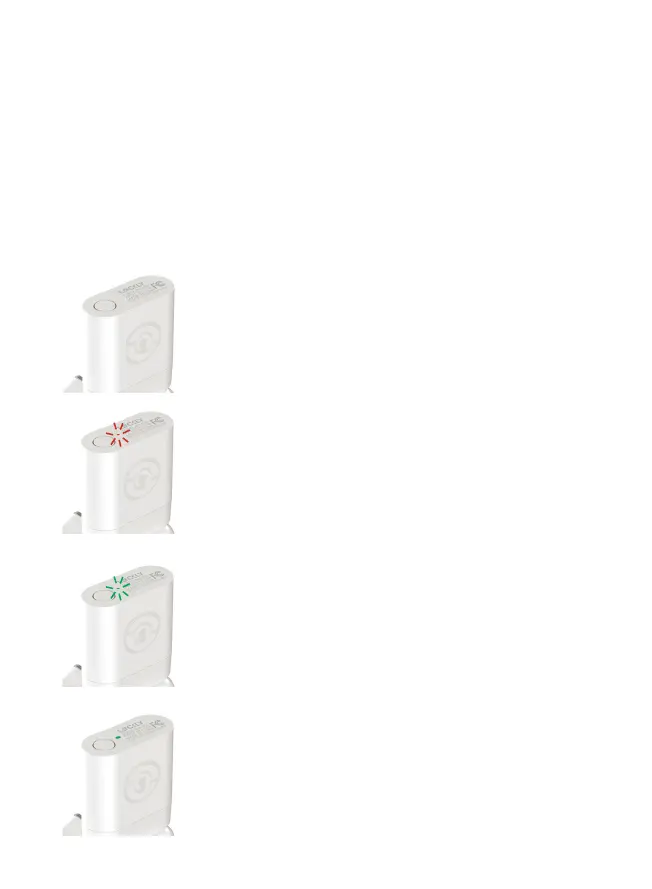
No Indicator Light
Your Wi-Fi Hub has no power.
Check your the power supply.
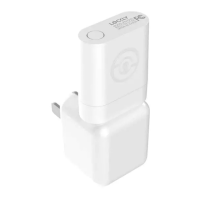
Slow RED
Light Flashing
Your Wi-Fi Hub has power.
It’s not connected to any wireless network.
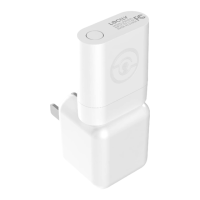
Rapid GREEN
Light Flashing
Your Wi-Fi Hub is in setup mode. Setup mode can be
entered by pressing the setup button for 2 seconds.
Setup mode will last approx 2 minutes.
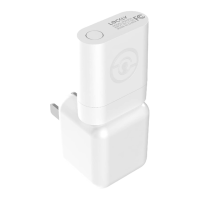
Solid GREEN Light
Your Wi-Fi Hub is on and connected to an active
2.4 GHz wireless network.


 To Next Page