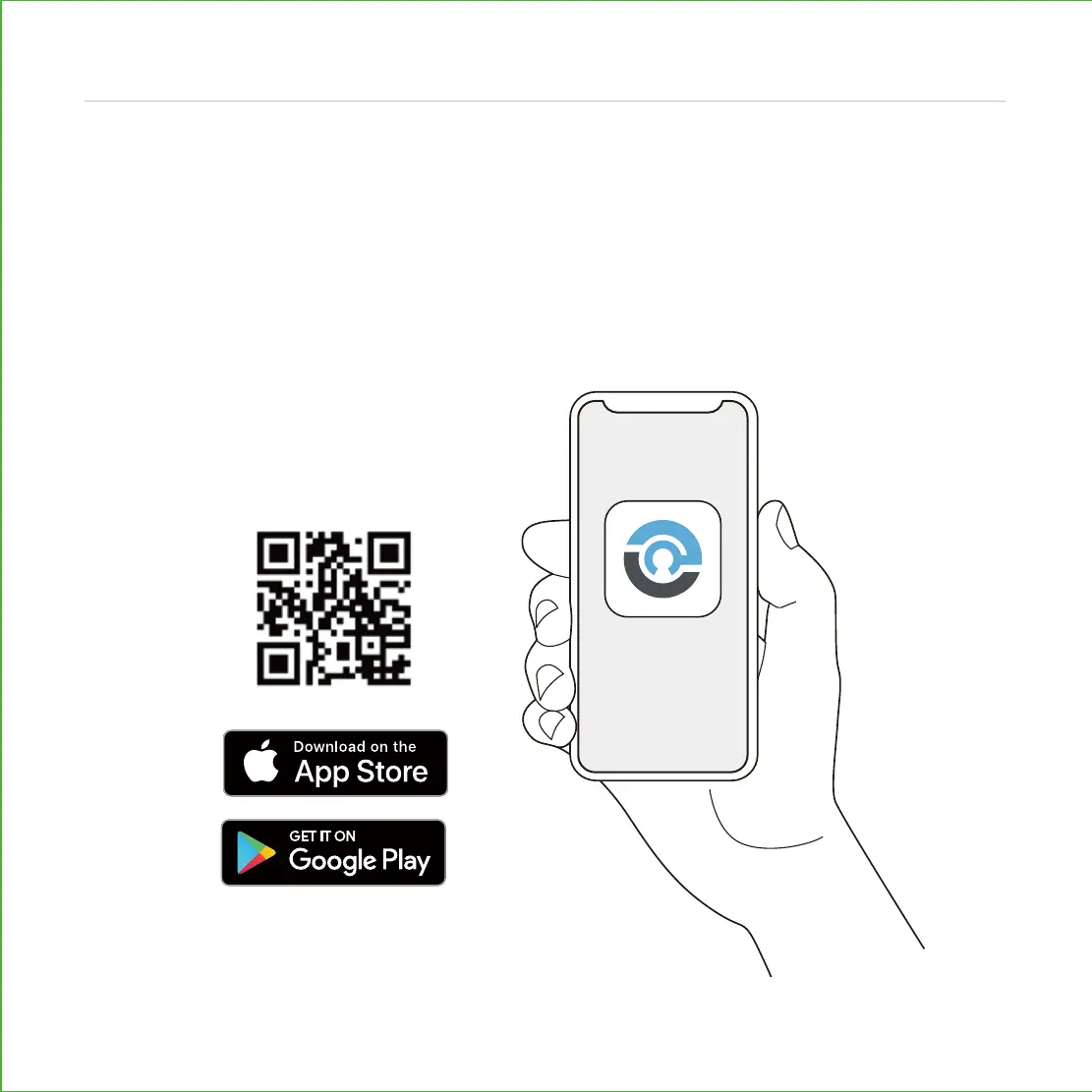
DOWNLOAD LOCKLY APP
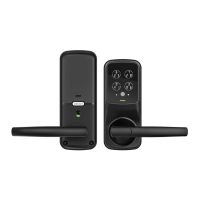
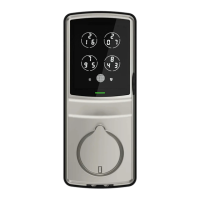
You have completed the Lockly physical lock installation. To enable live monitoring and
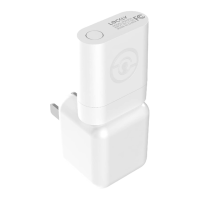
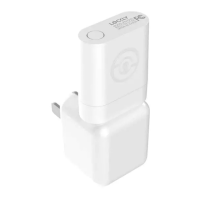
voice control with Google Assistant or Amazon Alexa, you will need to setup the included
Secure Link Wi-Fi hub and pair it with the Lockly Secure Pro deadbolt smart lock door
sensors.
Before connecting Secure Link Wi-Fi hub download the Lockly app on your smartphone. It’s
required to finish setup and to set (pair) the connection between hub and lock.
18
Step 9
Scan or visit
Lockly.com/app





 To Next Page