SECTION 5.1 25
5.1 Unlocking with Access Codes
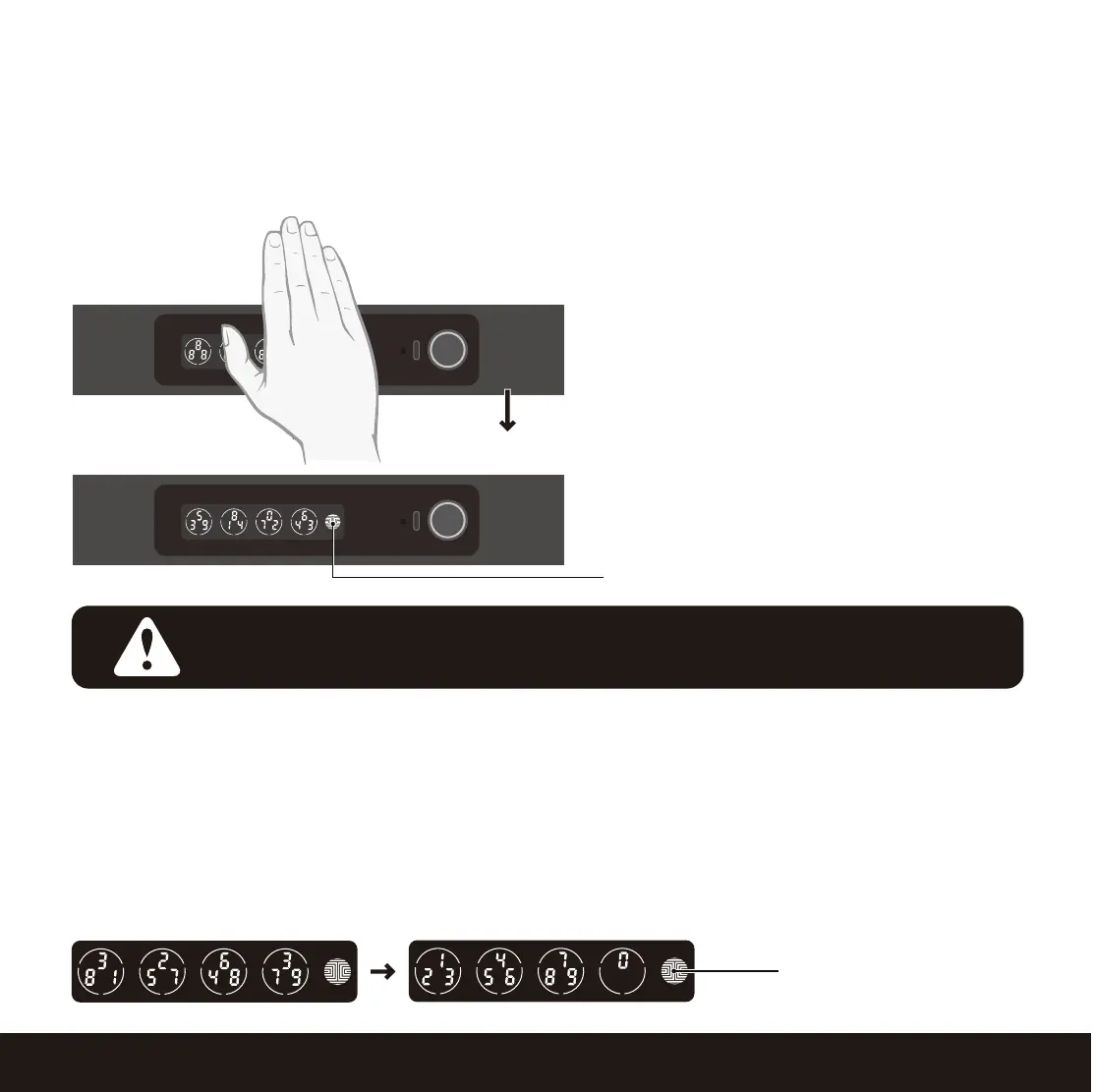
Slide your hand across the screen to activate
the keypad.
Enter your 6 to 8 digit Access Code followed
by the OK button. Press OK anytime to reset
if you entered the wrong digit.
If the Access Code entered is correct, the
Safe will unlock. If the Access Code entered
is incorrect, Lockly will beep twice.
Three consecutive wrong attempts will put Lockly in “Safe Mode”. (See
Section 5.6)
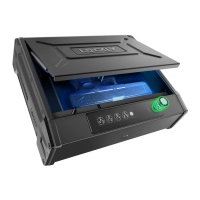
If you need to lock the Safe, close and press the top cover.
You may toggle between two types of keypad displays to enter your Access Code. The fixed digit
version and the PIN Genie version (Recommended). Press and hold the OK Button for 3 seconds to
toggle back and forth between the two keypads.
(Sample display shown only)
PIN Genie
Smart Safe
can be unlocked using multiple ways - via your stored Access Code, registered
fingerprint, smartphone with Bluetooth, or physical key supplied with your safe.
OK Button
Fixed Digit
Hold OK (3 sec)
NOTICE


 To Next Page
 Loading...