26 SECTION 5.2
5.2 Unlocking with Fingerprint
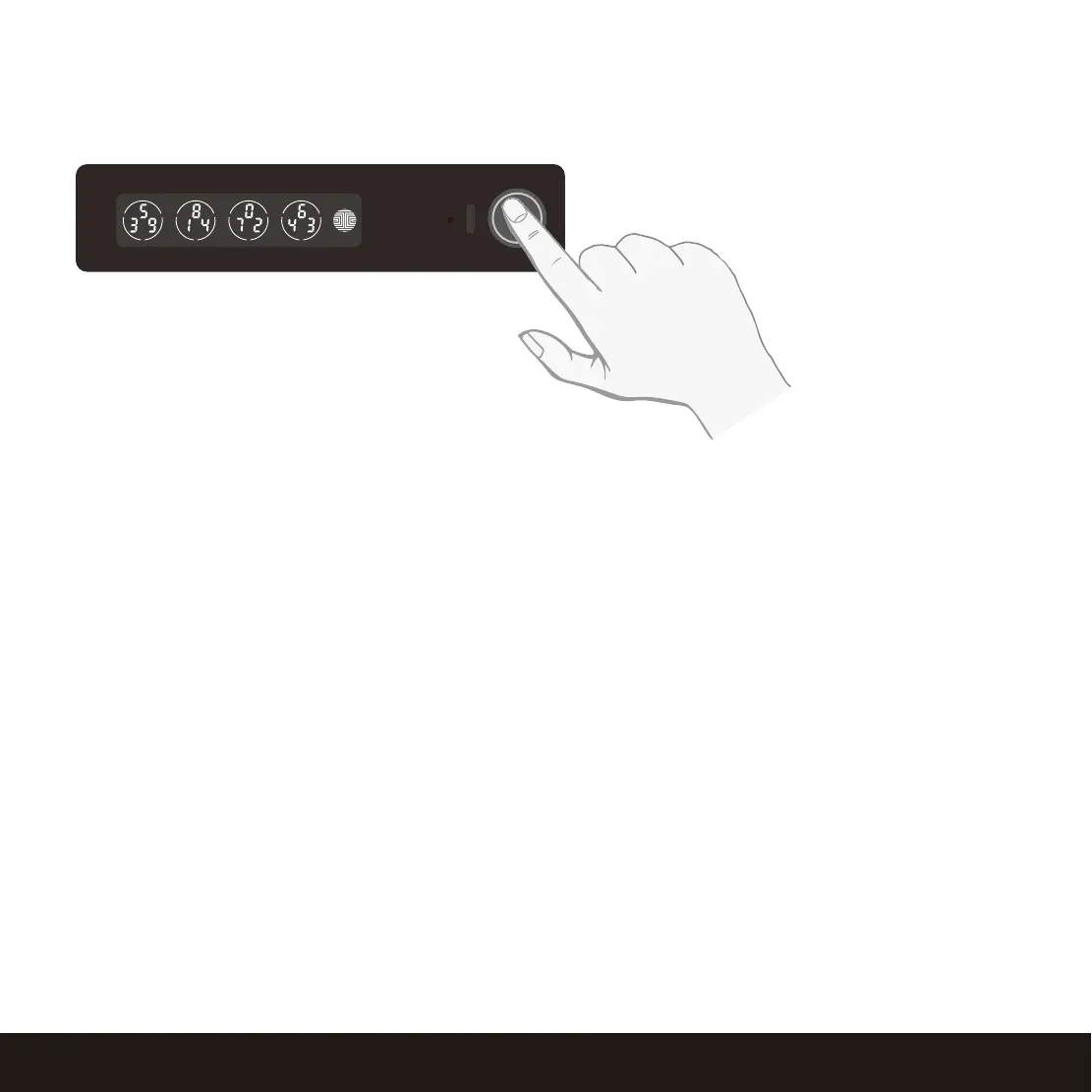
Place a registered finger to the fingerprint scanner
located on the exterior side of the Safe.
To register a fingerprint, please see Section 4.7.
If your fingerprint is registered and acknowledged, you will hear a “beep” sound, Green LED will light
up on the fingerprint scanner and Smart Safe will pop and open.
If you see a Red LED, it means your fingerprint is not recognized. Try again or use another registered
finger.
For best fingerprint scanning practices, see Section 4.8.
Unlocking


 To Next Page