27SECTION 5.3~5.4
5.3 Unlocking Lockly with App
5.4 Unlock with QR Code
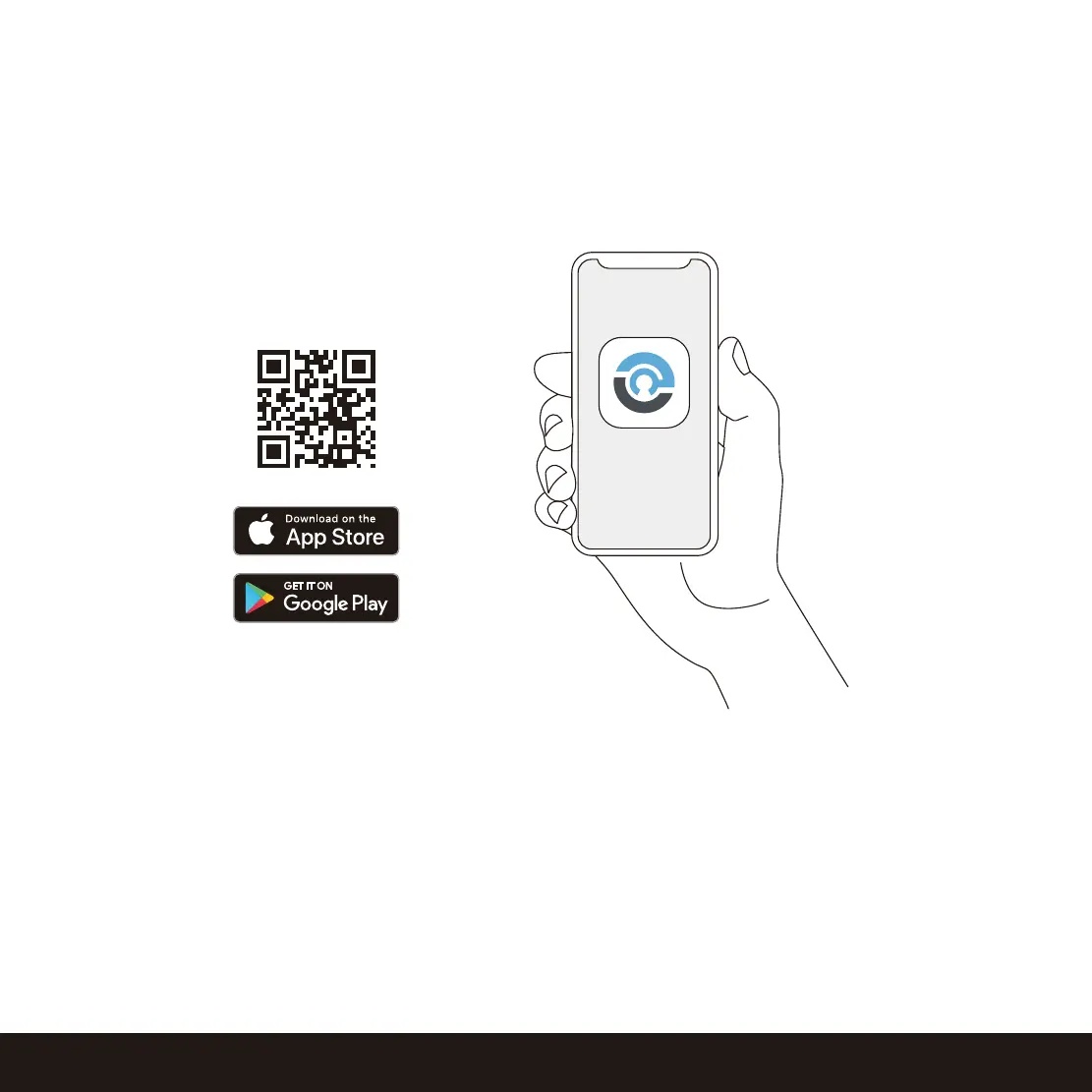
You must have the Lockly iOS or Android
™
app installed in order to unlock with
smartphone.
Please download the app by visiting the link below or search “Lockly” from the correct app
store.
Scan or visit
Lockly.com/app
If you have multiple Locky devices, you can use the Lockly App code scanner to unlock.
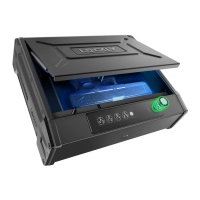
A QR code sticker (blue color) comes together with your safe. Open the Lockly app and scan it
to unlock.
You may also generate a unique QR code via Lockly app for your smart safe. You can generate
QR code, print according to the size you want and stick it next to your safe.


 To Next Page
 Loading...