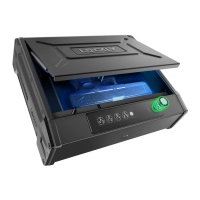
6 SECTION 2.5
Type-C
2.5 Low Battery
When the battery is in seriously low condition, Lockly will make continuous beeping sounds in addition
to the flashing low battery icon on the touch screen. You should replace batteries immediately
to avoid your Smart Safe from shutting down.
When your Safe low-battery warning alert finally dies, you will have 3 chances to unlock your
Safe
either by a password, APP or fingerprint. If the unlock was successful, the low-battery
warning
alert will be on for 1 minute. After which, the Safe will go to dead-battery mode
and the screen will
display a low-battery icon .
Dead Battery
Condition Indicator Solution
Low Battery
Battery Icon on the display
keypad will light up to indicate
low battery .
Replace batteries immediately to
avoid battery failure. Lockly can still
operate up to 300 cycles
in low
battery condition.
When there is no display
and sounds; and screen is
non-functional.
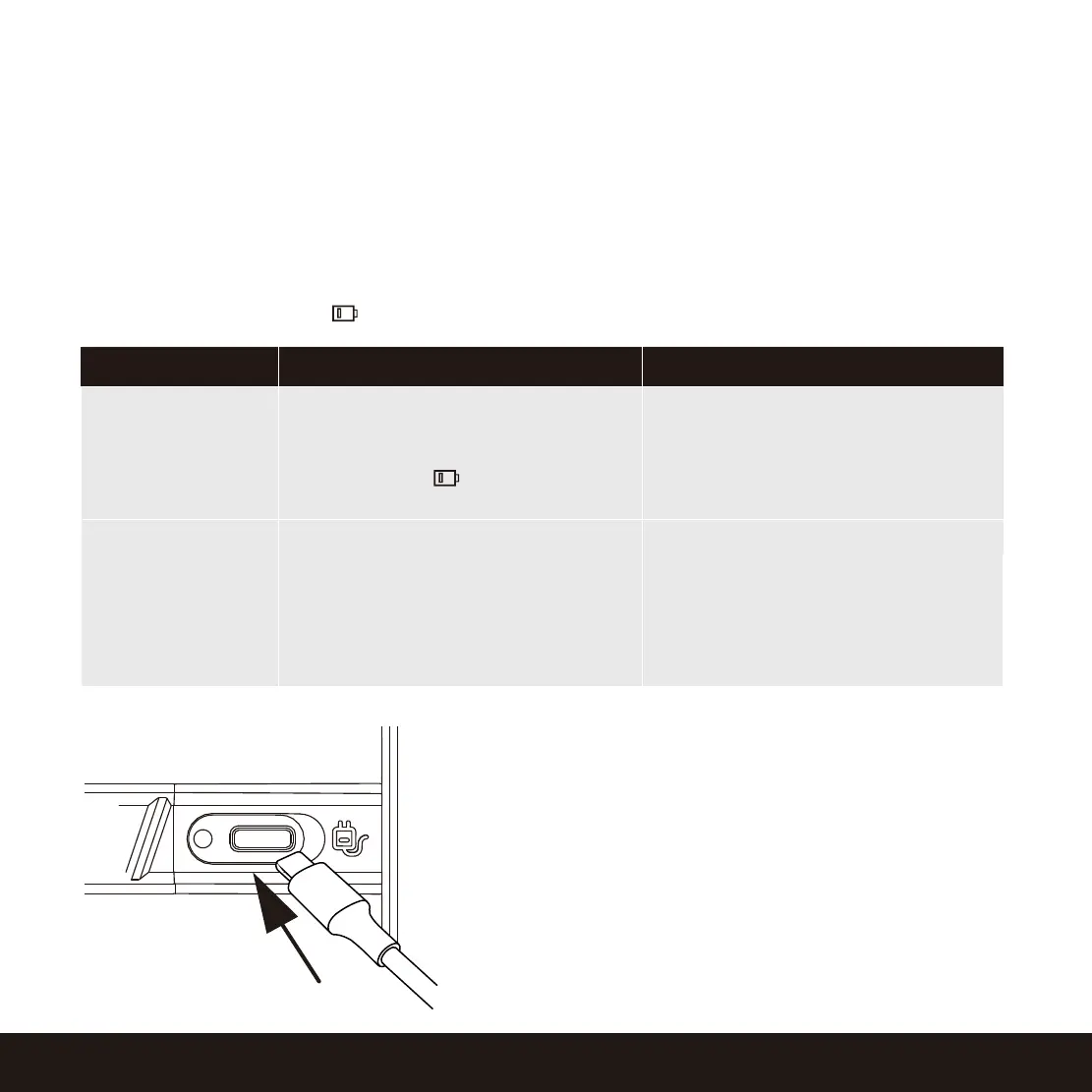
Your Lockly has a Type-C USB port located at the right
exterior of the Smart Safe. You may use a power bank
to temporarily power up your safe. Once the screen
lights up, enter your Access Code or scan a registered
fingerprint to unlock Safe. Once unlocked, batteries
should be replaced immediately.
This Type-C USB port can be plugged in a DC 5V to
provide continuous power supply for the safe. The
installed battery will serve as backup power supply in
case of power interruptions.
Replace batteries immediately.
Supplied physical backup keys
can be used to unlock the safe.
Alternatively, use Type-C USB port
as shown
below to
activate the
safe.


 To Next Page
 Loading...