17
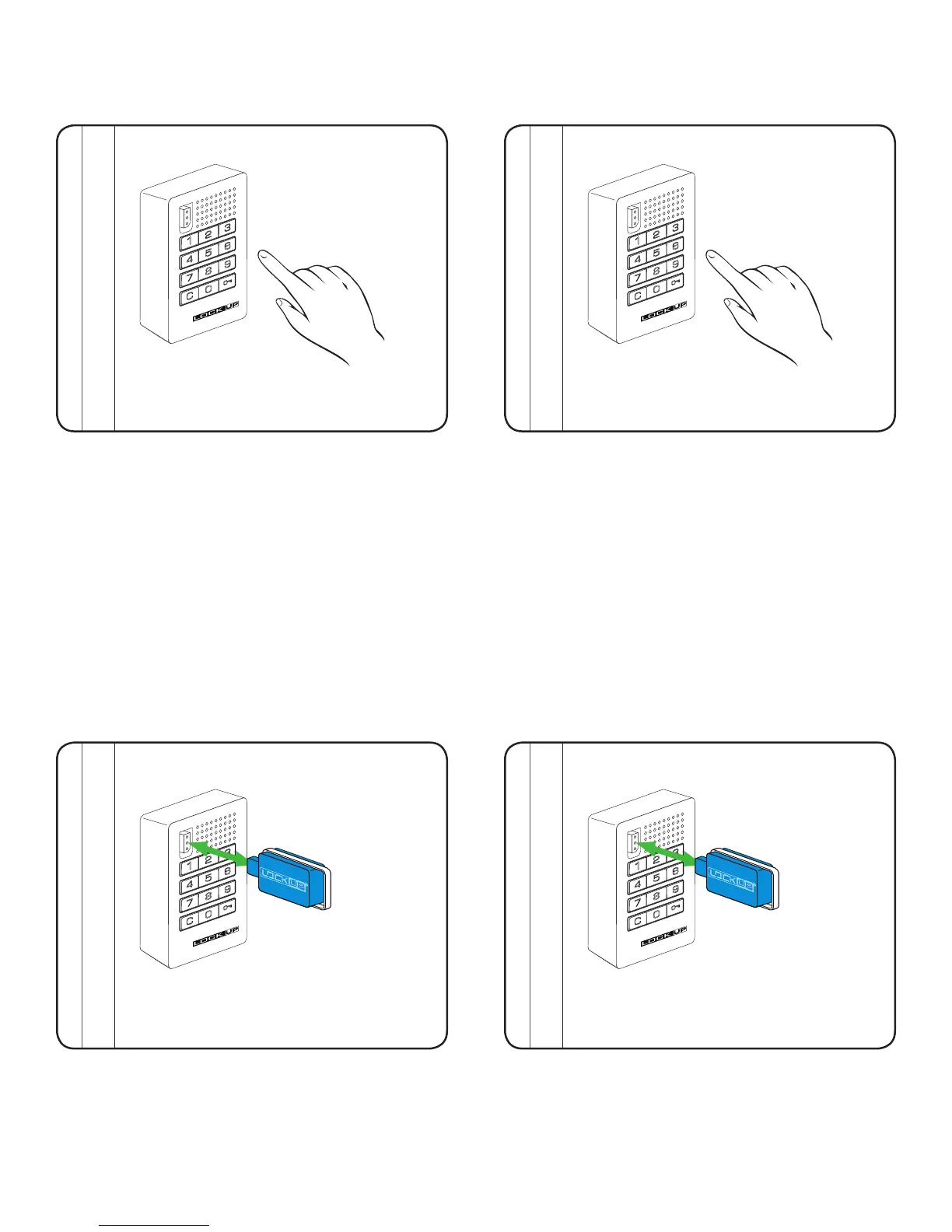
To Lock
1) Find an available lock
2) Press: = _ _ _ _ `
(any four-digit code)
To Unlock
1) At same lock
2) Press: = _ _ _ _ `
(same code used to lock)
Operate with a User Code
Operate with an ADA User Key
To Lock
1) Find an available lock
2) Touch any ADA User Key (blue) to key slot
To Unlock
1) At same lock
2) Touch the same ADA User Key (blue) to key slot
Note: If an incorrect User Code is entered three consecutive times, the lock will go into “Sleep State”
for one minute or until a registered Manager Flex Key (black) is touched to the lock.
Lock will automatically unlock after 12 hours of non-use.
Note: Lock will automatically unlock after 12 hours of non-use.


 To Next Page