EasyManua.ls Logo

LockUP Employee Lock - User Manual

LockUP Employee Lock
28 pages
Print Icon
To Next Page IconTo Next Page
Loading...
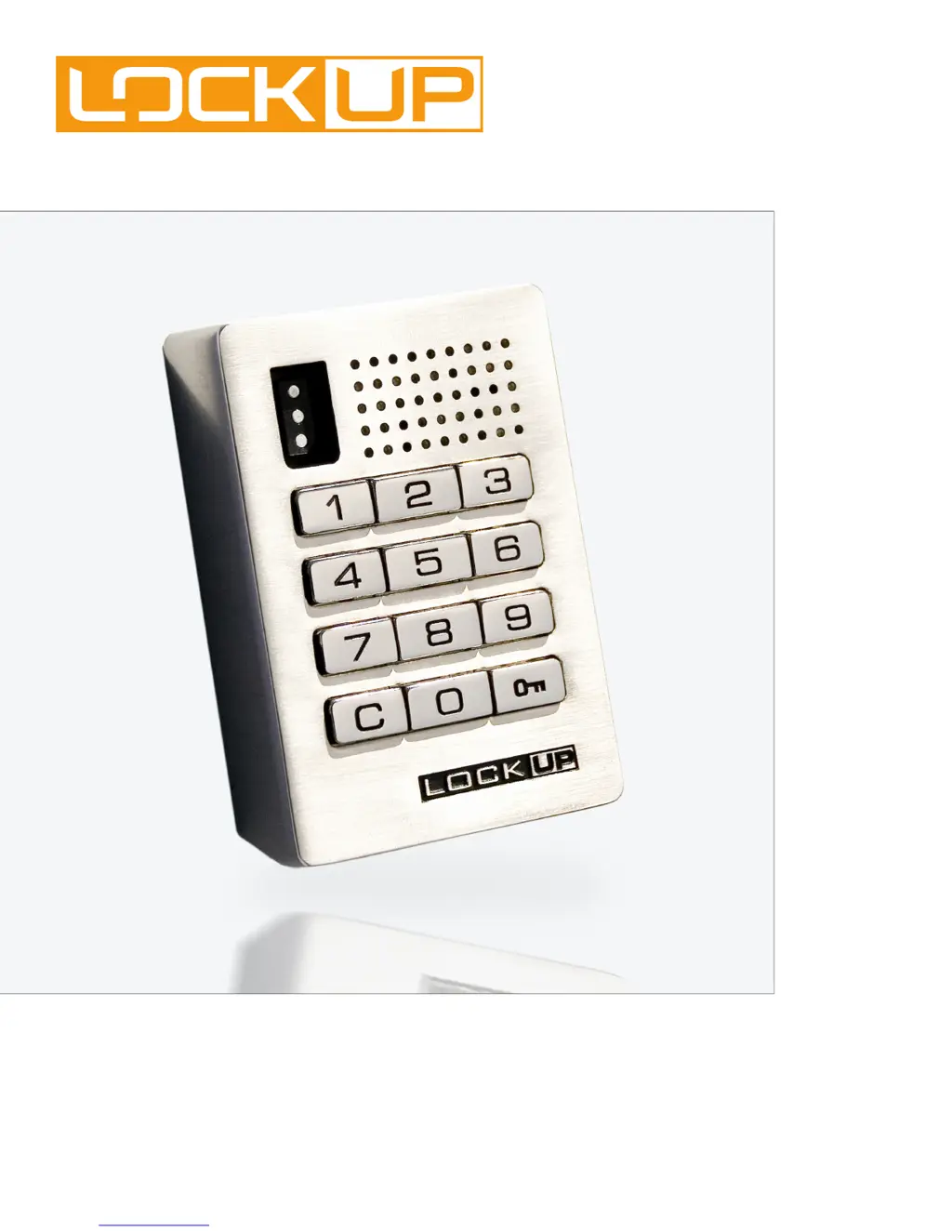
keypad body
Shared Use Functionality
LockUp Lock - Employee Lock
user manual
E
FUNCTION
LOCK

Questions and Answers

  • J
    Justin PorterAug 1, 2025
    What to do if the LockUP Keypad makes 10 rapid beeps?
    • M
      mshepardAug 1, 2025
      If your LockUP Keypad emits 10 rapid beeps during operation, try the following: * Press firmly on the door while operating the keypad. * Loosen the screws or locking nuts. * Remove the lock from the door, assemble it in your hand away from the door, and test its operation. If it works, reinstall it on the door.
  • K
    Kristin ReyesAug 11, 2025
    What to do if there is no audible feedback when the '=' button is pressed on my LockUP Employee Lock?
    • R
      Richard ShannonAug 11, 2025
      If there is no audible feedback when you press the '=' button on your LockUP Keypad, it could be due to several reasons: * **Poor Pin Connection:** Remove the lock from the door and reinstall it. If the issue continues, remove the lock and assemble it in your hand to test. * **Dead Batteries:** Touch a registered Manager Flex Key to the key slot for 30 seconds, remove it, and immediately retouch it to unlock the lock. If it works, replace the batteries. * **Over-Tightened:** Loosen the mounting screws and then press the '=' button. * **Sleep State:** Wait one minute and try again, or touch a registered Manager Flex Key for immediate access.
  • S
    sarah67Aug 21, 2025
    What does it mean if my LockUP Keypad makes 2 sets of three beeps?
    • D
      Donald GallagherAug 22, 2025
      If your LockUP Keypad makes two sets of three beeps during operation, you should: * Replace the batteries in the rear unit with high alkaline batteries. * Use a registered key to unlock the lock and replace the batteries immediately.

Summary

Warranty Information

Limited Warranty

Covers product defects in material and workmanship within two years of purchase.

Metal Door Installations

Surface Mount Installation Steps

Surface Mount Installation Steps (Continued)

Recessed Cup Installation Steps

Recessed Cup Installation Steps (Continued)

Programming Instructions

Initializing and Ordering Keys

Initializing New Locks

Step-by-step process for initializing new locks.

Lost or Stolen Keys

Replacing Manager Flex Keys

Procedure for replacing lost or stolen Manager Flex Keys.

Lock Use Instructions

Operate with a User Code

How to lock and unlock using a user code.

Operate with an ADA User Key

How to lock and unlock using an ADA User Key.

Operate with a Manager Flex Key

How to lock and unlock using a Manager Flex Key.

Operating the Lock

Operate with User Code

Detailed steps for locking/unlocking with a user code.

Operate with ADA User Key

Detailed steps for locking/unlocking with an ADA User Key.

Manager Flex Key Operation

Operate with Manager Flex Key

Detailed steps for locking/unlocking with a Manager Flex Key.

Troubleshooting

Common Lock Indicators

Explains common audible and visual feedback from the lock.

Lock Warning Indicators

Details specific warning indicators and their meanings.

Battery Replacement

Instructions for replacing the lock's batteries.

Troubleshooting Common Issues

No Audible Feedback

Addresses lack of audible feedback when a button is pressed.

Lock Not Unlocking

Solutions for when the lock fails to unlock with code or key.

Lock Usage Indicators Explained

Interprets the lock's audible and visual indicators.

Lock Indicators and Battery Replacement

Lock Usage Indicators

Explains common lock feedback signals.

LockUP Employee Lock Specifications

General IconGeneral
BrandLockUP
ModelEmployee Lock
CategoryKeypad
LanguageEnglish