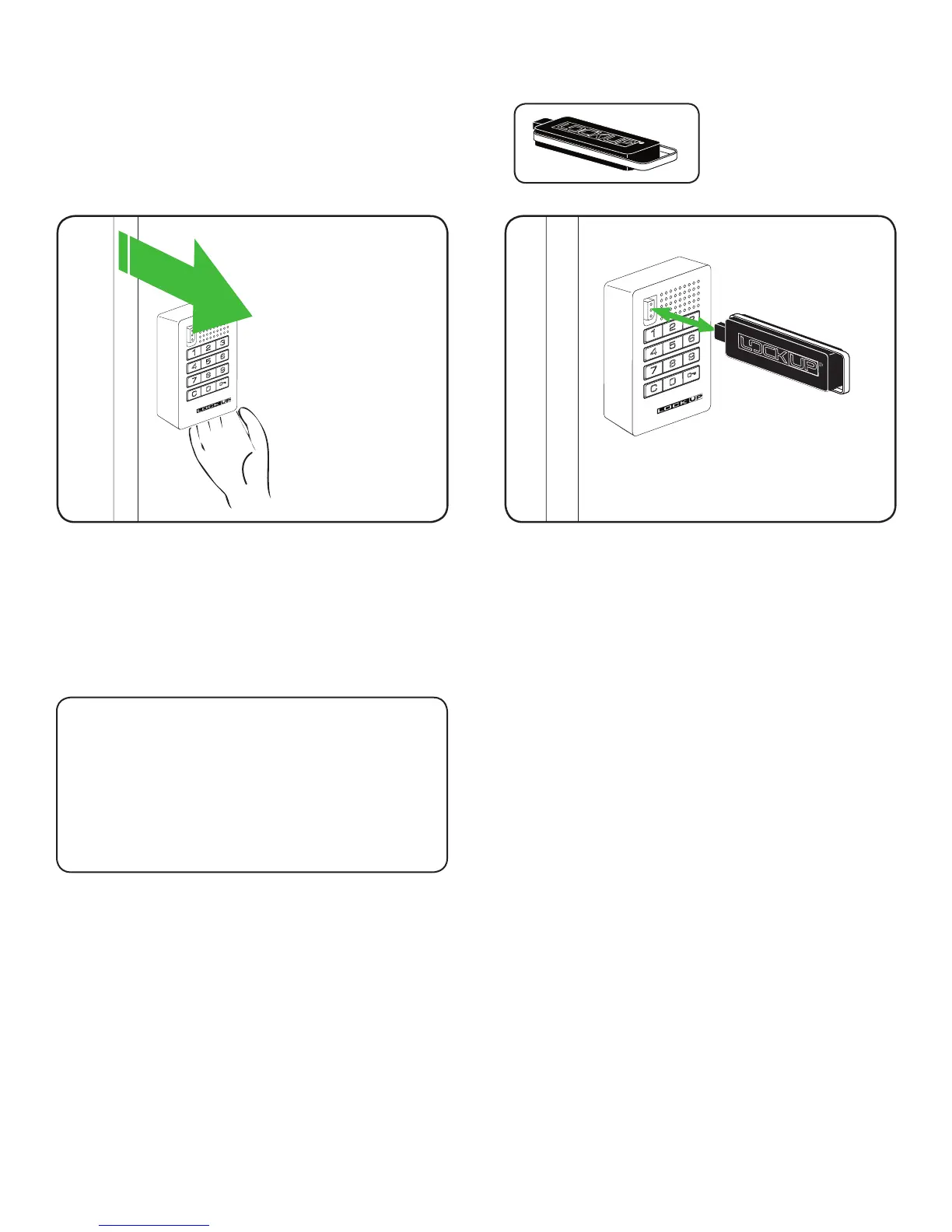
1) While the lock is in the unlocked position, touch the
Manager Flex Key (black) to the key slot for one
full second
2) Repeat for each lock
A two tone beep will be heard and the LED light will
ash once, signaling that the lock has successfully
accepted the replacement Manager Flex Key(s).
2
1) Go to a lock
2) Make sure the lock is in the unlocked position
(bolt is retracted)
3) Hold locker door open
1
Replacing Lost or Stolen Keys
15
Contact your LockUp Product Support Representative
to order a replacement Manager Flex Key.
For a Lost/Stolen Manager Flex Key
Note: All previously registered Manager
Flex Key(s) will no longer have access to
the lock system.


 To Next Page