EasyManua.ls Logo

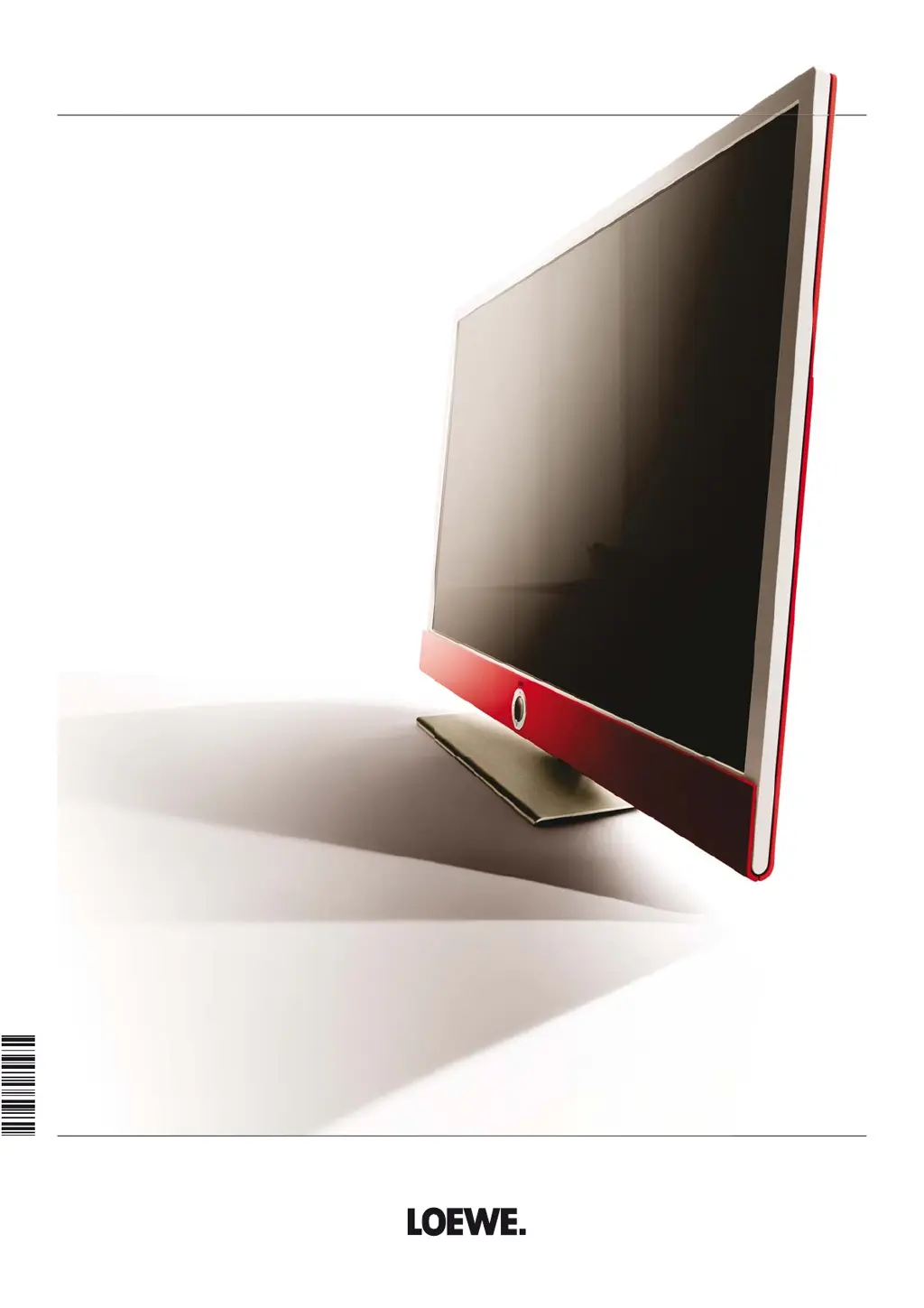
Loewe Connect ID 55 - User Manual

Loewe Connect ID 55
154 pages
Print Icon
To Next Page IconTo Next Page
Loading...
TV
Connect ID
Connect ID 55
Connect ID 46
Connect ID 40
User guide
36321020

Table of Contents

Other manuals for Loewe Connect ID 55

Questions and Answers

  • L
    Laura RobertsonAug 19, 2025
    How to change the language on my Loewe Connect ID 55?
    • K
      kellihooverAug 19, 2025
      If your Loewe TV menus are in the wrong language, you can change it by pressing the HOME key. Navigate to the last menu item (bottom left), then select the fourth item from the top in the list and move to the next column on the right. Select the first item with OK, choose your preferred language, and confirm with OK.
  • G
    Glenda BakerAug 21, 2025
    What to do if there is no sound on my Loewe Connect ID 55 TV when playing media files?
    • M
      Michael RhodesAug 21, 2025
      If you're not hearing sound when playing video or music files on your Loewe TV, first, ensure the TV isn't muted and the volume is at an audible level by pressing the V+ key on the remote. Also, check under System settings > Connections > Sound components to ensure that a non-existent or disconnected audio device isn't selected. If so, connect the audio device and switch it on, or revert to TV speakers in the Sound components wizard.
  • M
    Mercedes BradshawAug 23, 2025
    Why is there no sound from my Loewe Connect ID 55 when using an external digital audio amplifier?
    • J
      Jacob VelasquezAug 25, 2025
      If you're not getting sound through your external digital audio amplifier with your Loewe TV, it could be that the amplifier doesn't support the selected sound format (Dolby Digital, dts, MPEG). To resolve this, set PCM stereo on the DVD player in the sound selection. For DVB stations, switch Language/Sound.
  • T
    Thomas McphersonAug 26, 2025
    Why does my Loewe Connect ID 55 switch off automatically?
    • A
      Ashley MedinaAug 26, 2025
      Your Loewe TV might be switching off automatically to save energy. This happens after 4 hours of inactivity if at least one signal input group is set to Home Mode. Using automatic shutdown is recommended for energy saving and safety.
  • S
    Shawn SawyerAug 28, 2025
    Why I have problems connecting external devices via AV input on my Loewe Connect ID 55?
    • T
      Tasha CooperAug 28, 2025
      If you're experiencing issues connecting external devices to your Loewe TV via AV input, ensure the Signal type is correctly configured. Go to System settings ? Connections ? AV connection settings ? Signal type and adjust accordingly. If AV standard or Signal type is set to 'Automatic', it might cause incorrect detections with non-standard signals. In that case, manually set the standard and signal based on the external device's operating manual.
  • L
    Lisa GomezAug 30, 2025
    What to do if my Loewe Connect ID 55 TV is not getting an IP address automatically?
    • J
      Jasmine DavisAug 30, 2025
      If your Loewe TV isn't getting an IP address automatically, it might be because there's no DHCP server working on your network. To fix this, set up a DHCP server or manually assign IP addresses to your TV.
  • A
    Adam SmithSep 2, 2025
    How to fix incorrect Teletext characters on my Loewe Connect ID 55 TV?
    • E
      englishchadSep 2, 2025
      If Teletext characters are displaying incorrectly on your Loewe TV, the character set in the System settings might be wrong. To fix this, go to System settings ? Control ? more ... ? Standard Teletext ? Character set ? Standard, or select the appropriate character set.
  • C
    Crystal MitchellSep 4, 2025
    What to do if errors occur when running a CA module on Loewe TV?
    • J
      Jeffery MccormickSep 4, 2025
      To resolve errors when running a CA module on your Loewe TV, switch off the TV, remove the CA-module, wait a few seconds, reinsert it, and then switch the TV back on.
  • J
    Jerome KingSep 6, 2025
    Why a programmed recording was not made on my Loewe Connect ID 55?
    • J
      Julia SalazarSep 6, 2025
      If a programmed recording wasn't made on your Loewe TV, it could be because the provider deleted the program from the EPG data or the station doesn't support automatic time control. Note that only broadcasting organizations are responsible for transmitting data for the automatic time control and its availability cannot be guaranteed.
  • M
    Megan MosesSep 8, 2025
    Why there is no start or end of programmed recording on Loewe Connect ID 55?
    • H
      heather12Sep 8, 2025
      If there's no start or end to a programmed recording on your Loewe TV, even with automatic time control, it may be because the program's transmission time was delayed and the channel hasn't updated the data. Only broadcasting organizations are responsible for transmitting data for the automatic time control, and its availability cannot be guaranteed.

Loewe Connect ID 55 Specifications

General IconGeneral
Screen Size55 inches
Smart TVYes
HDMI Ports4
USB Ports3
Operating SystemLoewe OS
HDRYes (HDR10, HLG)
Wi-FiYes
BluetoothYes
Built-in SpeakersYes
Resolution3840 x 2160 pixels
Display TechnologyLCD

Related product manuals