Connect ID 40-55
User guide
46
TV
Digital Recorder
Switching off the TV set during recording
You can switch off the TV to standby whilst recording. The recording
is continued in the standby mode.
Never switch the TV set off at the mains and do not pull out the
plug of the TV set out of the socket. Otherwise the recording will
be lost!
Stop recording early
You can end a current archive recording prematurely.
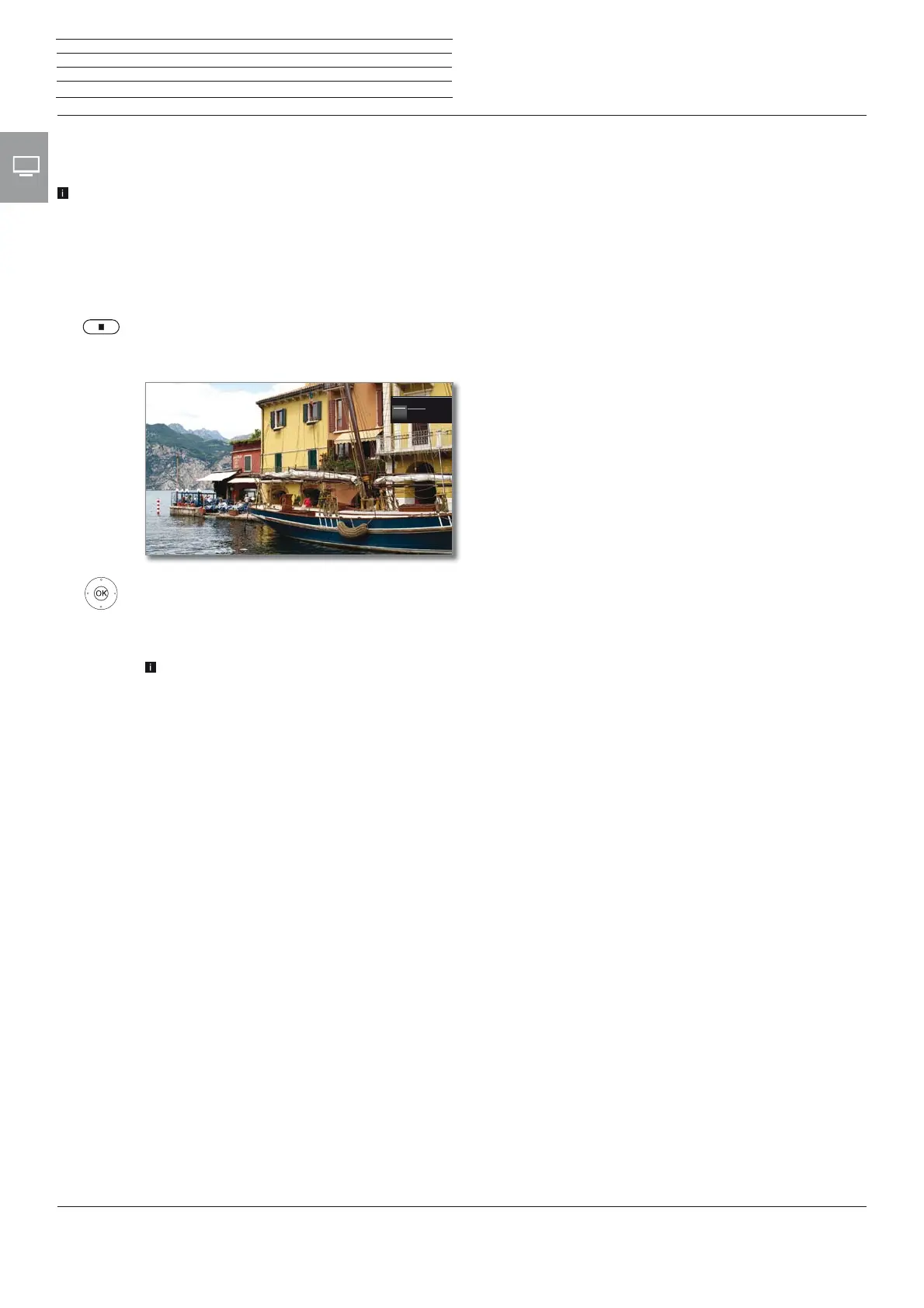
Press STOP key.
A message appears in the right upper corner of the
screen.
OK Stop recording.
The recording process is ended. The portion of the TV
broadcast recorded up to this point is saved on the
hard disk and can be played back via the DR+ archive.
You can also end a running recording by deleting the
corresponding timer entry in the timer overview.
Stop recordingStop recording
OkOk CancelCancel











 To Next Page