EasyManua.ls Logo

Loewe Xelos A 42 HD+ 100 - User Manual

Loewe Xelos A 42 HD+ 100
66 pages
Print Icon
To Next Page IconTo Next Page
Loading...
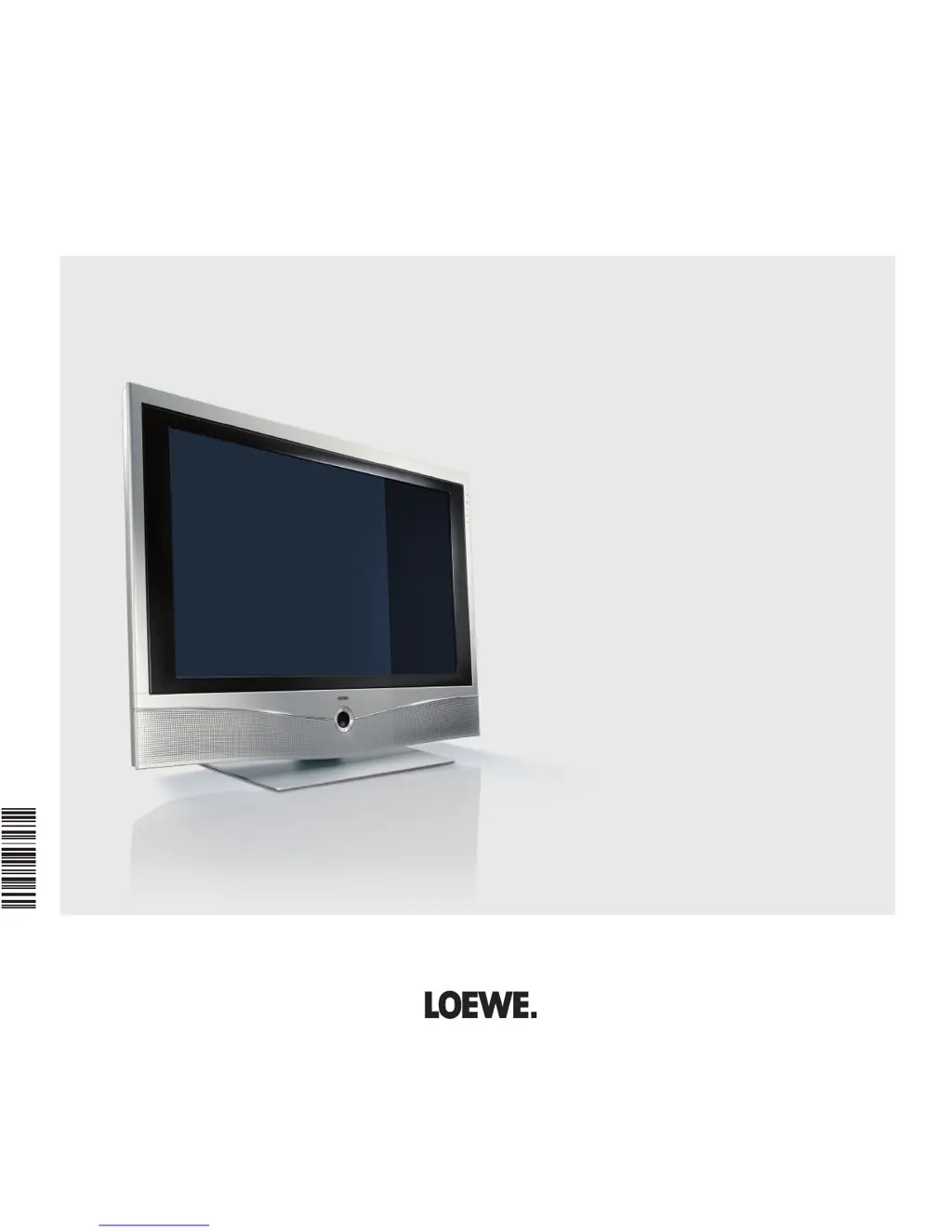
Operating instructions
Xelos A 42 HD
+
100
Xelos A 37 Full-HD
+
100
Xelos A 32 HD
+
100
TV
3 3 1 5 6 0 2 6
233–33156.026

Table of Contents

Questions and Answers

  • T
    Tracey JohnsonAug 18, 2025
    How to change the language on my Loewe TV?
    • B
      btaylorAug 18, 2025
      If all menus are displayed in the wrong language on your Loewe TV, the menu language was likely set incorrectly. To set the menu language, press the INFO button in TV mode (Index). Mark the first key word and call it with OK. Then select the language and confirm it with OK.
  • A
    amandareynoldsAug 23, 2025
    Why isn't the decoder connecting properly to my Loewe Xelos A 42 HD+ 100?
    • E
      Eric CalderonAug 23, 2025
      If the connection of a decoder does not function or does not function properly on your Loewe TV, the signal may not be decoded because the correct decoder stations have not been selected in the connection wizard. Follow the instructions in the connection wizard (TV menu ? Connections ? New devices/modifications) and select the appropriate decoder transmitter. Also, if in decoder mode the sound is missing, the wrong decoder sound may have been assigned in the connection wizard. Follow the instructions in the connection wizard and select the right audio source (Decoder, TV oder Autom.), see also decoder instructions.
  • E
    Erika JamesAug 26, 2025
    Why is there no sound from my Loewe Xelos A 42 HD+ 100 TV via the external digital audio amplifier?
    • R
      Ryan MooreAug 26, 2025
      To resolve the issue of no sound via the external digital audio amplifier with your Loewe TV, first, ensure that the external digital audio amplifier supports the selected sound format (Dolby Digital, dts, MPEG). If it doesn't, set PCM stereo on the DVD player in the sound selection. For DVB stations, switch to stereo in the Status display (END) – Language/sound (green button). Also, check the connection between your Loewe TV and the external digital audio amplifier. Connect the AUDIO DIGITAL OUT from the TV to a digital input on the amplifier and select the corresponding input.
  • A
    April ColeAug 28, 2025
    What to do if the Loewe Xelos A 42 HD+ 100 TV shows the picture of the recorder but says 'no recorder available'?
    • E
      Emily CameronAug 28, 2025
      If the picture of a connected external recorder is visible on your Loewe TV, but the error message 'no recorder available' appears, the device might not be correctly registered in the connection wizard or is connected differently than shown in the connection diagram. Compare the connection diagram with the actual installation in the connection wizard (TV menu ? Connections ? New devices/modifications) and connect as illustrated.
  • M
    Mr. Daniel JohnsonAug 30, 2025
    Why aren't the Loewe Recorder and Timer control functions working correctly on my TV?
    • W
      wilsontravisAug 30, 2025
      If the control functions of the Loewe Recorder and the Timer are not working or are not working properly, it may be because the Digital Link function is not activated or not possible in the recorder. Activate Digital Link in the recorder (see operating instructions of the recorder). Also, check if the EURO-AV cable is connected; if not, connect the EURO-AV cable. Finally, the recorder may not be logged in, so register the recorder.
  • D
    Donald DavidsonSep 2, 2025
    What to do if the picture from my recorder is visible on Loewe Xelos A 42 HD+ 100 TV, but the timer cannot be activated?
    • B
      Brenda DavisSep 2, 2025
      If the picture of a connected external recorder is visible on your Loewe TV, but the timer cannot be called, the device may not be registered in the connection wizard or is connected differently than shown in the connection diagram. In the connection wizard (TV menu ? Connections ? New devices/modifications) compare the connection diagram with the actual installation and connect as illustrated.
  • H
    Heidi OwenSep 4, 2025
    Why is Digital Link Plus not working on my Loewe Xelos A 42 HD+ 100 TV?
    • D
      David KennedySep 4, 2025
      If Digital Link Plus does not work on your Loewe TV, the EURO-AV cable may not be fully wired (pin 10 not wired). Replace the EURO-AV cable. Additionally, some recorders can only adopt stations during the initial installation of the TV set, so restore the recorder to the as-delivered state (see recorder's operating manual).
  • T
    Taylor JensenSep 7, 2025
    Why did my Loewe TV fail to make a programmed recording?
    • J
      Joseph RoseSep 7, 2025
      If a programmed recording was not made on your Loewe TV, it could be because the programme to be recorded was not (no longer) in the programmes offered by the station via VPS (for analogue stations). Alternatively, for DVB stations with automatic time control, the provider may have deleted the programme from the EPG data, for example, due to a programme change. Note that the stations are exclusively responsible for the transmission of VPS data (for analogue stations) or for the use of the automatic time control (for DVB or MHEG-5 stations), and the availability of the appropriate data cannot be guaranteed.
  • D
    David BoydSep 9, 2025
    What to do if photos aren't displaying correctly from USB on my Loewe Xelos A 42 HD+ 100?
    • R
      rwilsonSep 9, 2025
      If the photo on the USB stick is not displayed correctly in the PhotoViewer or a '?' appears on your Loewe TV, the photo may not be available in a displayable format. Convert the photo file into a standard JPG format on the PC.
  • J
    Janet ClarkSep 12, 2025
    How to fix incorrect character display in Teletext on a Loewe Xelos A 42 HD+ 100 TV?
    • C
      Christopher GarciaSep 12, 2025
      If, with Teletext, various character sets are displayed incorrectly on your Loewe TV, the wrong character set has likely been set in the Teletext menu. To set the right character set, select Teletext menu ? Settings ? Character set ? Standard or the appropriate character set.

Loewe Xelos A 42 HD+ 100 Specifications

General IconGeneral
Display TechnologyLCD
HD StandardFull HD
HD ReadyYes
HDMI Ports3
USB Ports2
Screen Size42 inches
Resolution1920 x 1080

Related product manuals