Minute counter
Figure 2
As this minute counter does not control the oven, when it finishes counting the oven will
continue to work.
To set, press the central button for 3 seconds until appears (figure 2). Press “+” and “-
” to set the required time.
To set the minute counter at a later stage, press the central button for 3 seconds and
adjust as described above.
The minute counter beeps when it finishes counting. To disable it, press any button.
Cooking time
Figure 3
This is a semi-automatic cooking function. It can be used to set cooking times.
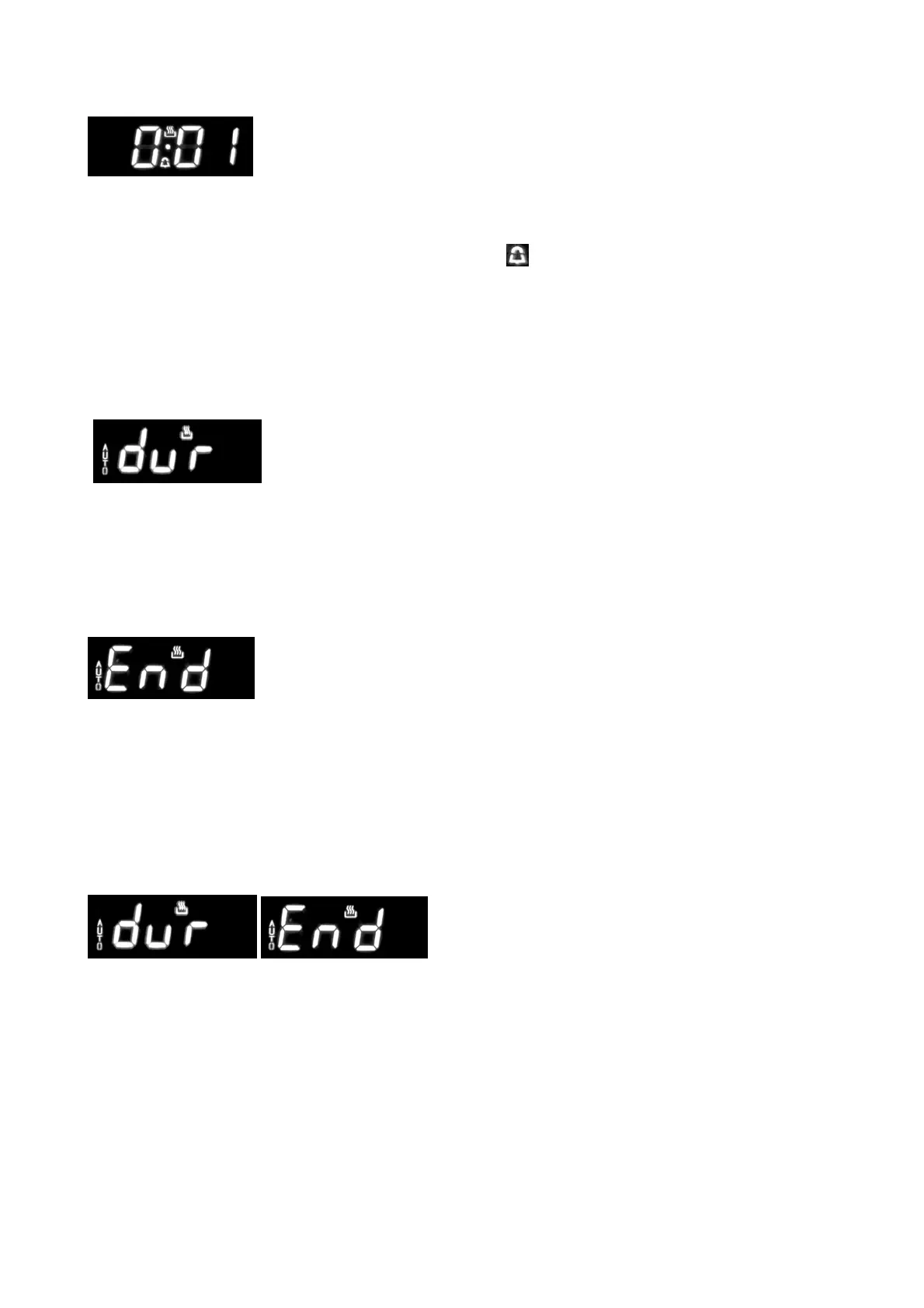
Press the central button for 3 seconds. Then press it again until “dur” appears (figure 3).
Press “+” and “-” to set the required cooking time.
End of cooking time
Figure 4
The end of cooking time can also be set. Press the central button for 3 seconds. Press
the central button twice consecutively and wait for “End” to appear (figure 4). Press “+”
and “-” to set the required end of cooking time.The oven will work in the set mode and at
the set temperature until the end of cooking time.
Programming automatic cooking
Figure 5
Cooking function with set times.
Press the central button for 3 seconds. Then press it again until “dur” appears. Press “+”
and “-” to set the required cooking time. Wait a few seconds for the setting to be
memorised. Press the central button for 3 seconds. Press it another two times and wait
for “End” to appear (figure 4).
Press “+” and “-” to set the required end of cooking time.
E.g.:
Current time: 12.30


 To Next Page
 Loading...